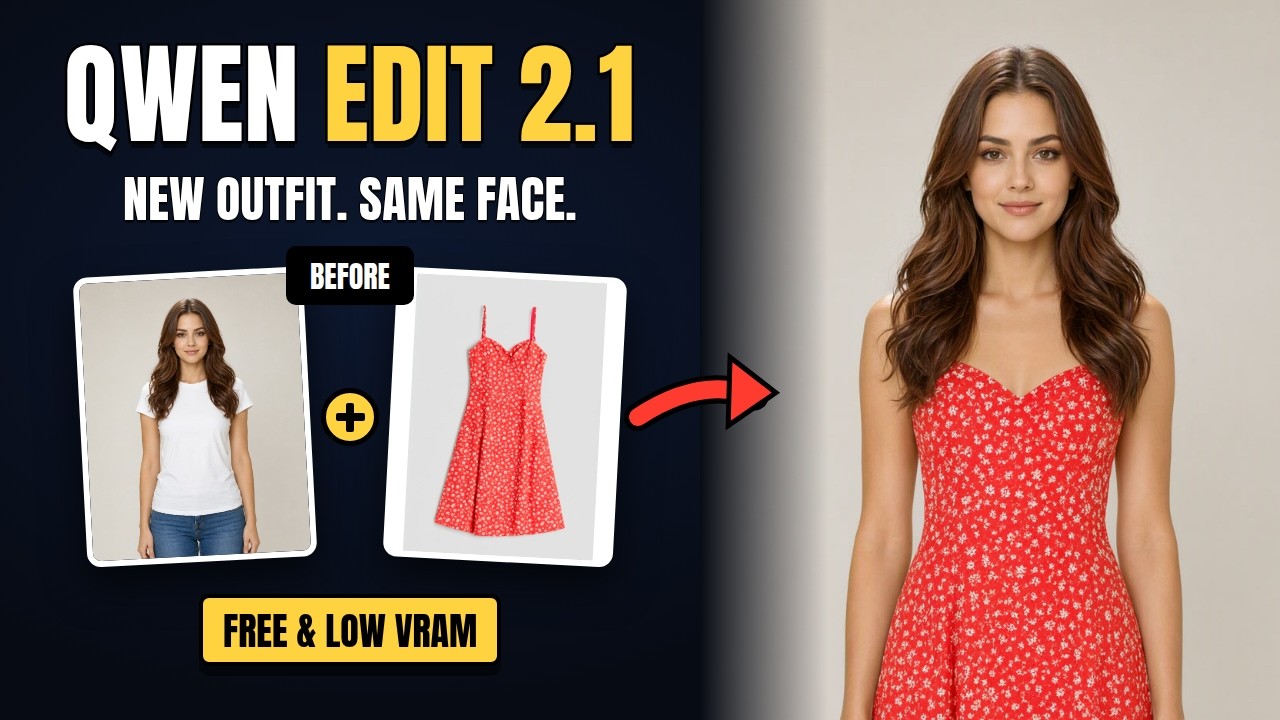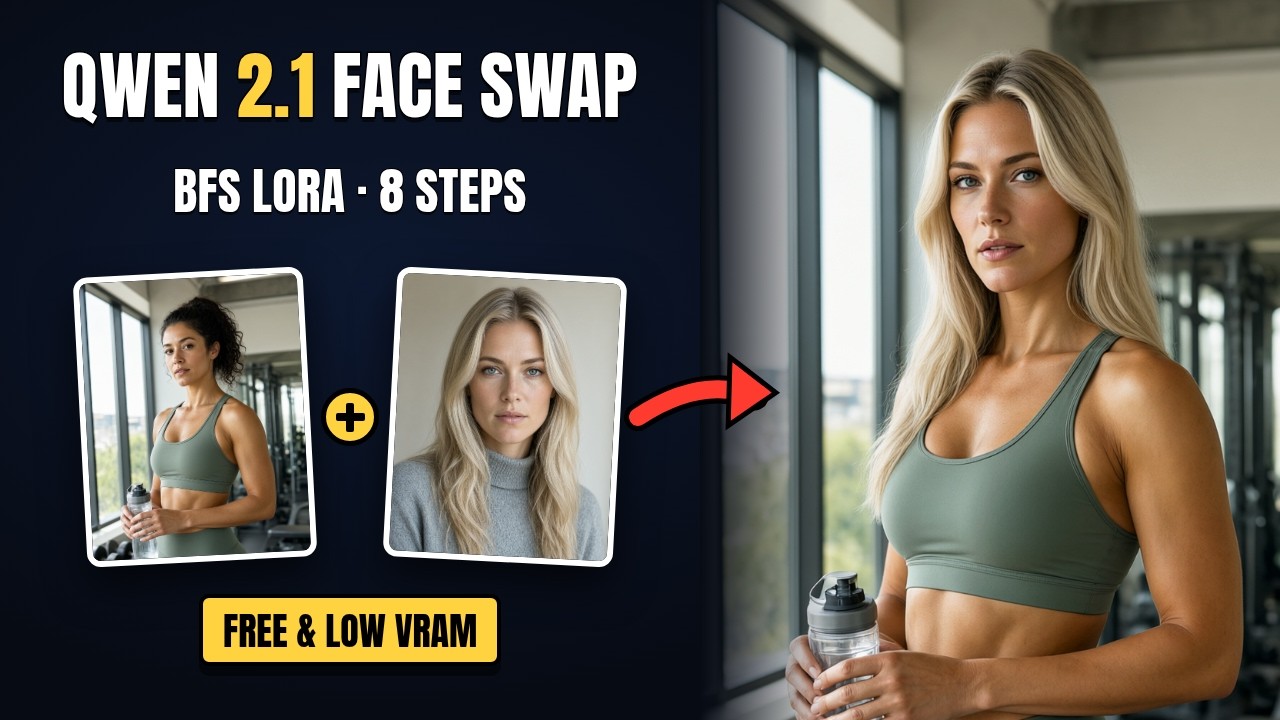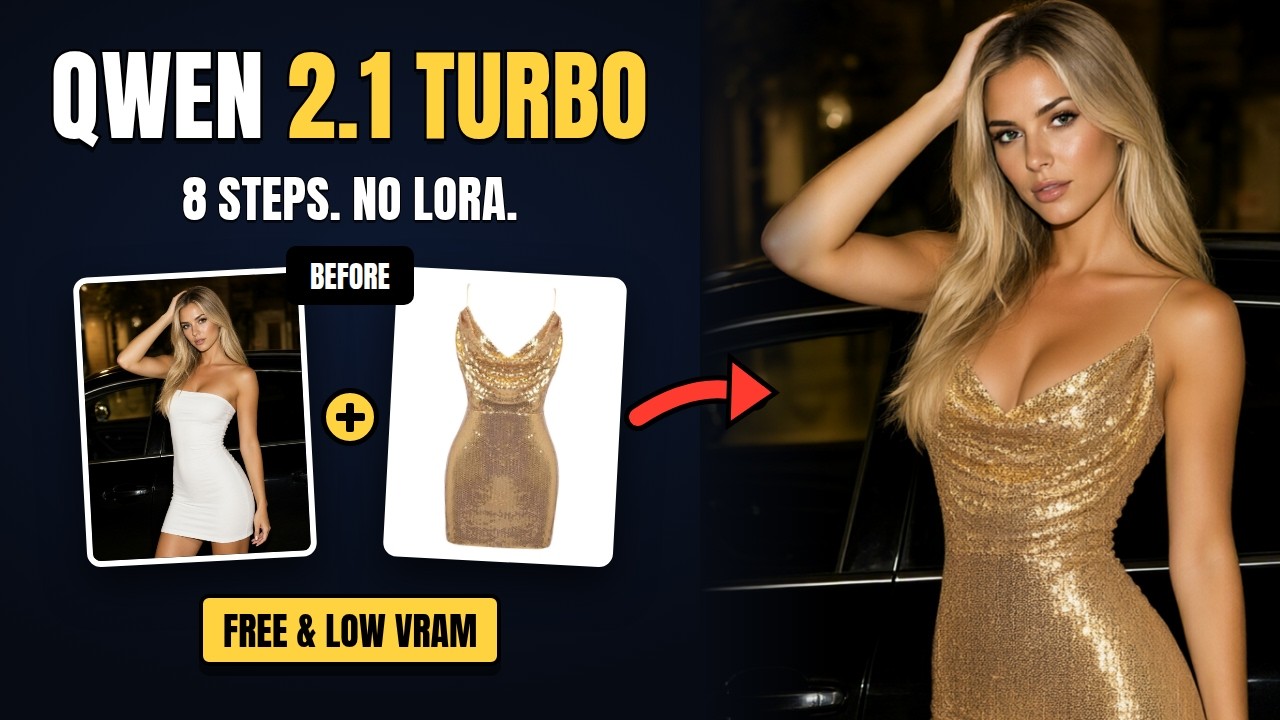
The Qwen team released an official Qwen Image 2.1 Turbo: the same 7B model, now fast enough to finish in 8 steps at CFG 1 with no community speed LoRA. It had ComfyUI support on day one and drops straight into the existing Qwen 2.1 workflows — swap in the turbo diffusion model and change the sampler settings. The video covers the setup, a text-to-image and an image-edit demo, low-VRAM GGUF runs and a 63-image sampler and scheduler test.
The Turbo Model Files
Put one turbo diffusion model in ComfyUI/models/diffusion_models/:
| File | Size | Notes |
|---|---|---|
qwen_image_2.1_turbo_int8_convrot.safetensors | 7.26 GB | The workflow default — right for most cards |
qwen_image_2.1_turbo_bf16.safetensors | 14.2 GB | Full precision |
The text encoder (qwen3vl_8b_int8_convrot or the bf16 version) and the VAE (qwen_image_2.1_vae_bf16) are the same as the standard Qwen 2.1 workflows. A GGUF quant is the option for cards with less VRAM.
Settings for Turbo
| Setting | Value |
|---|---|
| Steps | 8 |
| CFG | 1 |
| Sampler | er_sde |
| Scheduler | linear_quadratic |
Using the Two Workflows
Text-to-image
- Pick the turbo model in the UNET loader (int8 for most cards, bf16 for full precision).
- Set the size in the Resolution Selector — native 2K is supported (1:1 at 4 MP = 2048×2048).
Image edit
- Load the target as image_1 and any references as image_2 onwards (up to 10).
- Describe the edit in plain language, referring to images as <image1>, <image2> and so on.
Both workflows end with a 2× lanczos upscale pass.
📦 Want to skip the setup?
The Qwen-Image 2.1 All-In-One installer sets up ComfyUI, the custom nodes and the models for both workflows in one double-click.
Get the All-In-One Installer →