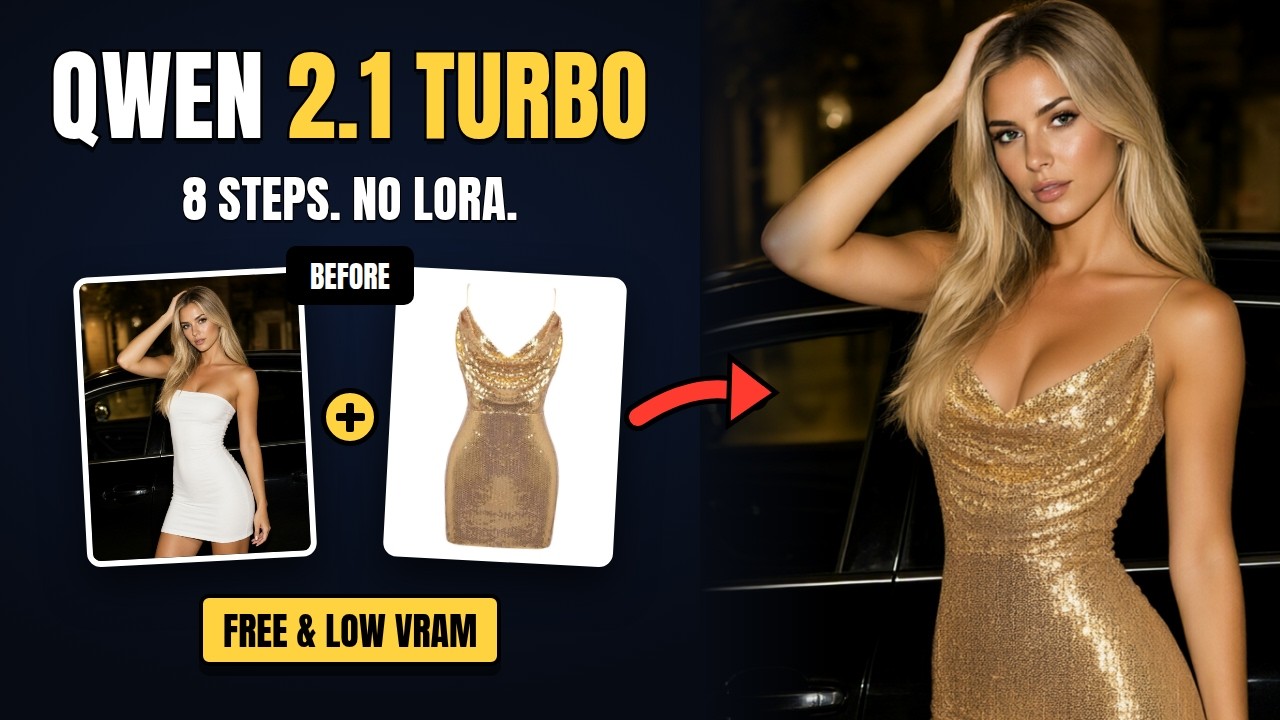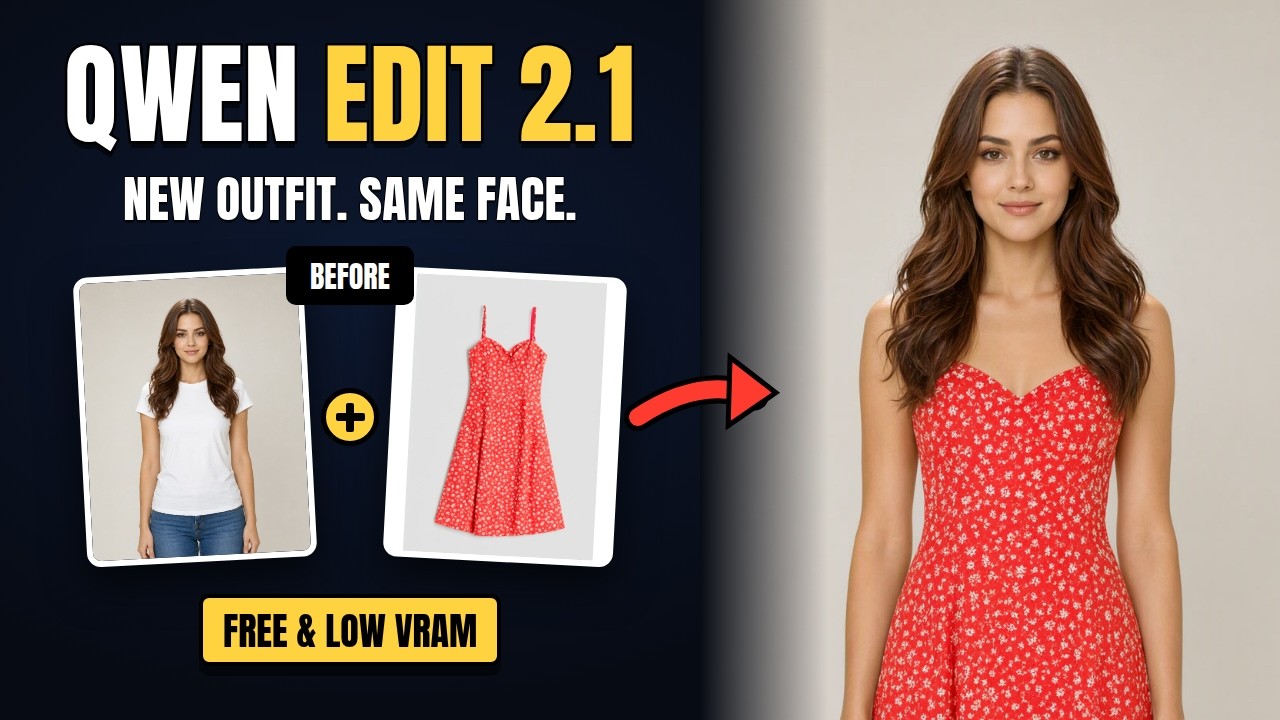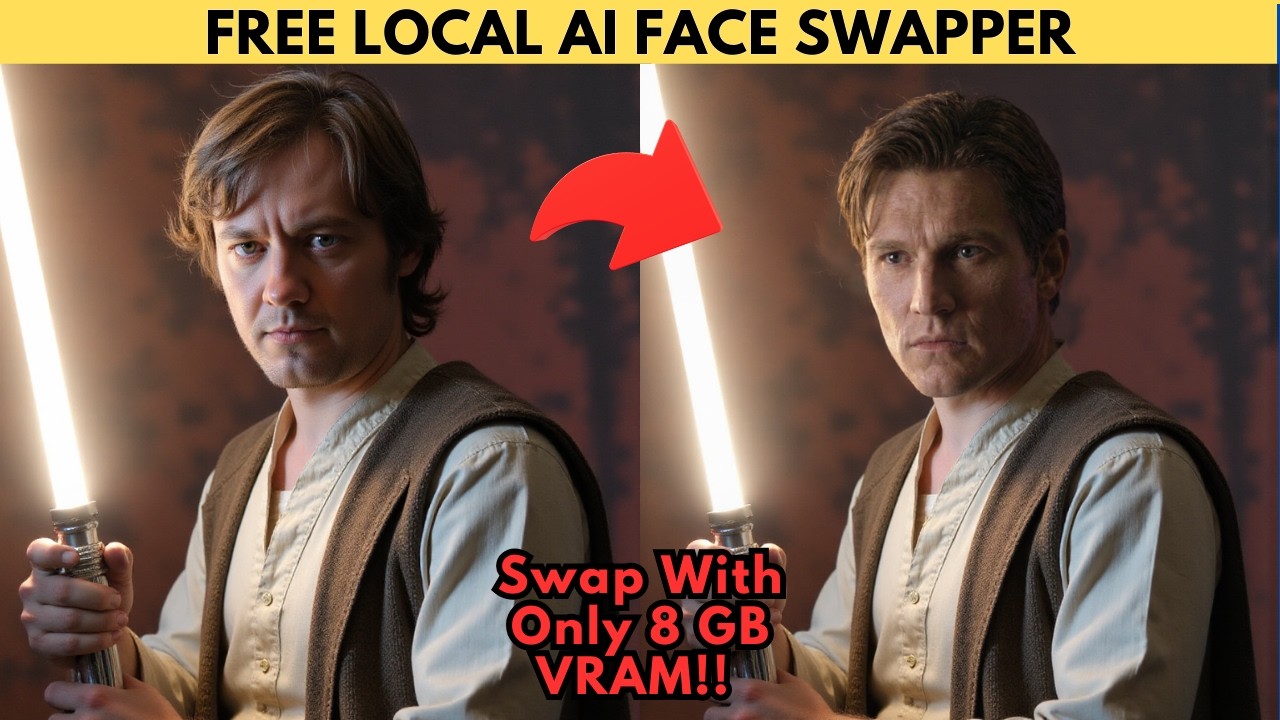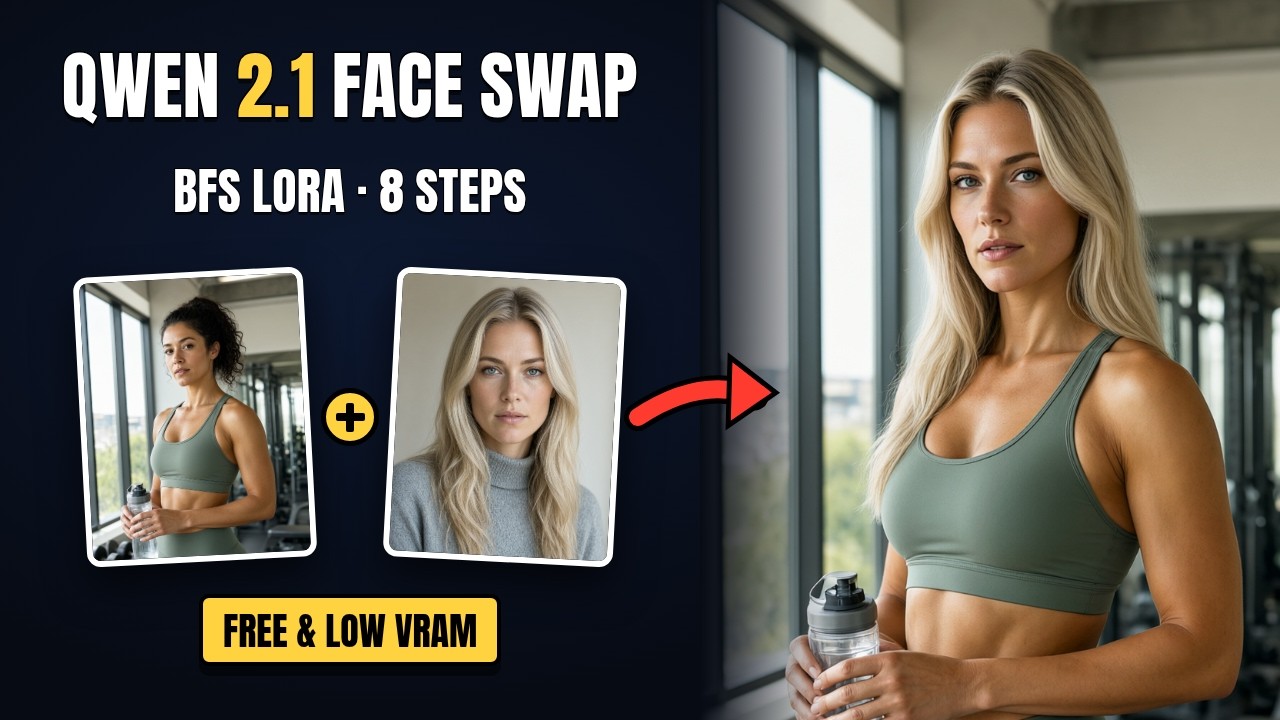
BFS (Best Face Swap) is a community LoRA by Alissonerdx that makes head swaps in Qwen Image 2.1 far more consistent than a plain edit prompt. Give it two images — a body/base image and a head reference — and it replaces the head with the reference's face and hair while keeping the base image's body, pose, clothes, lighting and background. This workflow runs it on the official Qwen Image 2.1 Turbo: 8 steps, CFG 1, no speed LoRA.
The BFS LoRA Versions
Both go in ComfyUI/models/loras/ at strength 1.0:
bfs_head_v1.1_qwen_2.1.safetensors— loaded by default and recommended by the author: less skin smoothing and the best head-angle fidelity.bfs_head_v1.1_alternative_qwen_2.1.safetensors— in the loader but switched off: stronger expression transfer, slightly less accurate head angle.
Models
| File | ComfyUI folder |
|---|---|
qwen_image_2.1_turbo_int8_convrot.safetensors (default) | models/diffusion_models/ |
qwen_image_2.1_turbo_Q5_K_M.gguf (low VRAM — turn on "Enable GGUF Model", off "Enable Diffusion Model") | models/unet/ |
qwen3vl_8b_int8_convrot.safetensors | models/text_encoders/ |
qwen_image_2.1_vae_bf16.safetensors | models/vae/ |
Custom nodes: ComfyUI Manager, ComfyUI-GGUF, rgthree-comfy, RES4LYF (for the bong_tangent scheduler) and ComfyUI-KJNodes (the side-by-side preview).
Settings
- 8 steps, CFG 1, sampler
lcm, schedulerbong_tangent. - CFG 1.2 was more than twice as slow in testing with no gain in resemblance — stay at 1.
- LoRA strength 1.0.
The swap prompt is already in the text encode node. If you're adding BFS to your own workflow, that prompt plus the LoRA is all you need.
Tips for Better Swaps
- Use a sharp, front-facing head reference.
- Use a body image where the face is clearly visible — waist-up or closer. Faces far away in full-body shots swap poorly.
- Qwen 2.1 can shift the whole image slightly (colours, softness) even for small edits; higher resolutions help.
- The built-in side-by-side preview stacks body, head and result so you can check the swap at a glance.
The More Realistic Version
A follow-up video covers the supporters edition, which adds an automatic face close-up of the head reference as a third image, a detail-matching prompt, a realism LoRA at 0.4 and a 1536 reference resolution — for closer skin, freckles, eyes and hairline:
📦 Want to skip the setup?
The enhanced edition adds the realism tricks above, plus a one-click Windows installer and a full walkthrough video.
Get the Enhanced Installer — $5 →