Qwen-Image 2.1 All-In-One ComfyUI One-Click Windows Installer
$4.00
✓ In Stock⭐ Get all 84+ installers for $10/month
Local Lab Pro gives you instant access to all 84+ installers and workflows we've ever made — plus every new release the moment it drops. No buying individually. One membership, everything included.
View Local Lab Pro membership →Secure checkout via Wix — or get all 84+ with Pro
// About this product
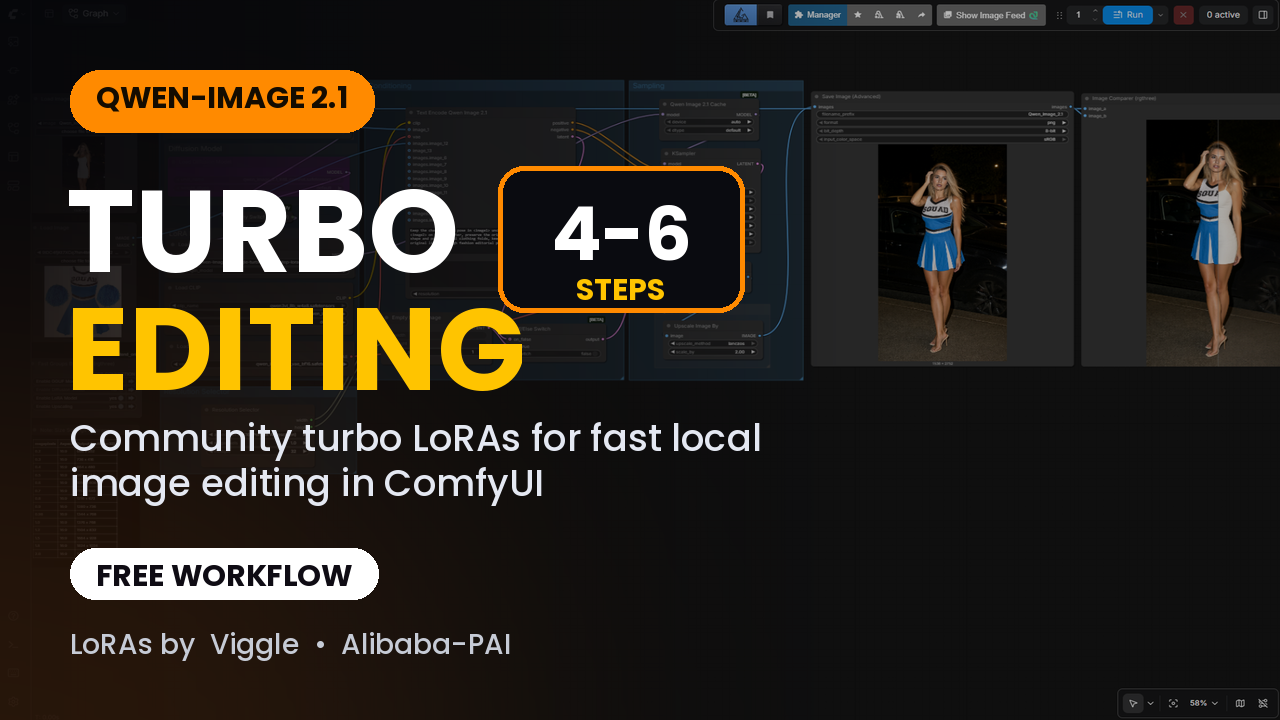
The complete Qwen-Image 2.1 setup in one double-click — text-to-image and image editing from a single unified model. This all-in-one installer sets up ComfyUI Portable, the custom nodes and the models for both workflows, with a download menu that lets you pick your VRAM tier.
Qwen-Image 2.1 is the Qwen team's new unified model — just 7B parameters in its visual component, smaller and more efficient than the previous open Qwen release — with native transparent (RGBA) images and editing with up to 10 reference images. It's strong at prompt adherence and typography.
Runs on 6–8 GB of VRAM with the GGUF build and the low-VRAM text encoder, or pick FP8 for full quality on 12 GB.
What the installer does: sets up ComfyUI Windows Portable with the CUDA 12.8 PyTorch build, installs ComfyUI Manager, ComfyUI-GGUF and rgthree, preloads both workflows, then shows a menu to choose your base model, text encoder and optional turbo LoRAs. Git, 7-Zip and the correct PyTorch build are handled automatically. The installer will be updated as new Qwen-Image 2.1 tools and models drop.