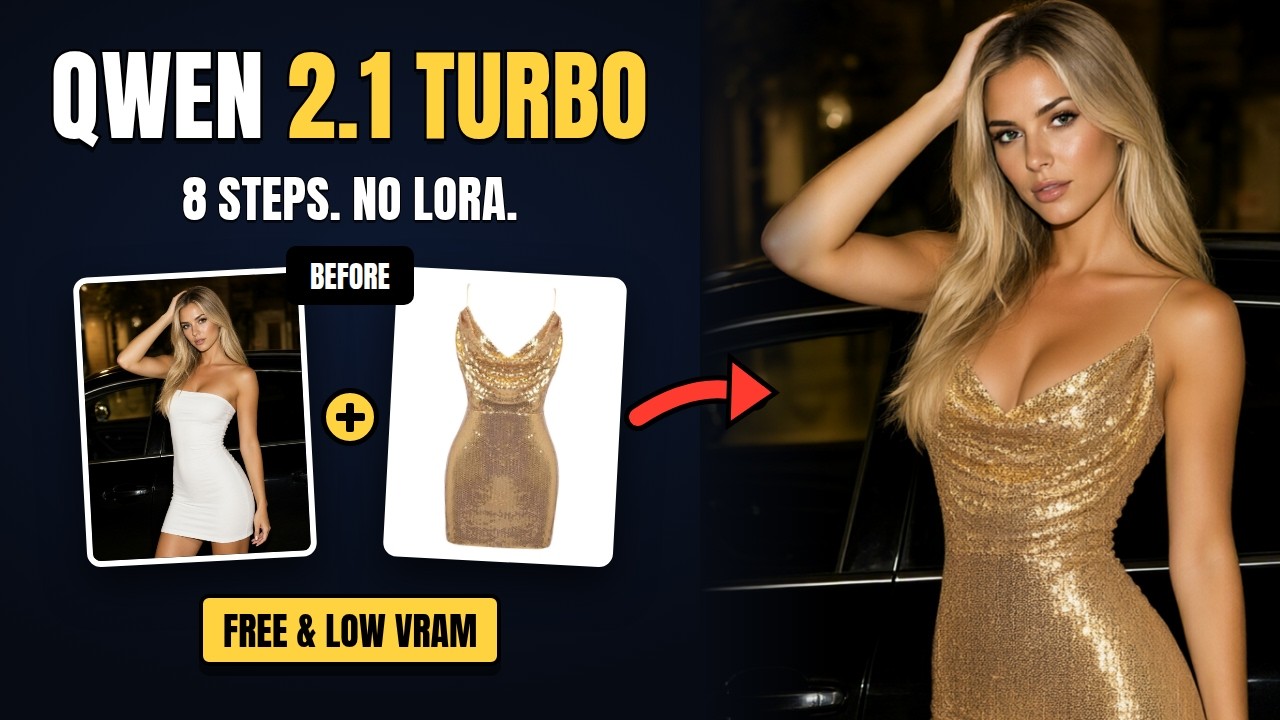
Stable Diffusion Forge Neo 2.30 adds support for Qwen Image 2.1, including the edit (reference) mode and multi-image editing. That means the official Turbo model in 8 steps, real image edits and an X/Y/Z sampler test — all from a simple web page instead of a node graph. In side-by-side tests against ComfyUI with the same models, prompts and seeds, the images came out practically the same.
Forge Neo is the continuation of the last Forge release, maintained by Haoming02. It also runs SD, Flux, Krea 2, Z-Image and WAN 2.2 — see the Forge Neo complete guide for the basics.
Installing or Upgrading
config.json and ui-config.json before you update.The Three Model Files
| File | Size | Forge Neo folder |
|---|---|---|
qwen_image_2.1_turbo_int8_convrot (official Turbo) | ~7 GB | models/Stable-diffusion |
qwen_image_2.1_turbo_Q5_K_M.gguf (low system RAM alternative) | ~5 GB | models/Stable-diffusion |
qwen3vl_8b_w4a8 (text encoder, recommended) | ~6 GB | models/text_encoder |
qwen3vl_8b_int8_convrot (text encoder) | ~9 GB | models/text_encoder |
qwen_image_2.1_vae_bf16 (VAE) | ~0.6 GB | models/VAE |
You need one diffusion model, one text encoder and the VAE. The w4a8 text encoder gave the same image quality as the int8 one in testing while using about 5 GB less system memory.
The Settings That Matter
Text-to-image
- ER SDE + Linear Quadratic, 8 steps, CFG 1, at about 2 MP.
- LCM at this size made skin gritty and over-textured in testing.
Image edit
- Use the img2img tab, keep "[Qwen 2.1] Enable Reference" ticked and set denoising strength to 1, then describe the change.
- Use LCM + Bong Tangent. Neo's default Euler + Simple burns edits and ignores the prompt.
- For several reference images, open ImageStitch Integrated in img2img and add them there ("she wears the beanie from image 2").
- Out of memory? Lower Maximum Side Length, or turn on Never OOM Integrated (slower, lowest VRAM).
What Runs on 8 GB
| Setup | 1024×1024 time |
|---|---|
| 16 GB VRAM, Turbo int8 | ~11 seconds (once loaded) |
| 8 GB VRAM, Turbo int8 + w4a8 | ~13 seconds |
| 8 GB VRAM, GGUF | ~24 seconds |
An image edit takes about 24 seconds on 16 GB. A 2 MP (1664×1152) image takes roughly twice as long as 1024×1024.
📦 Want to skip the setup?
The one-click installer sets up Forge Neo 2.30, Python 3.13 and the Qwen models with the Turbo settings pre-filled — plus an update file for existing installs.
Get the One-Click Installer — $4 →