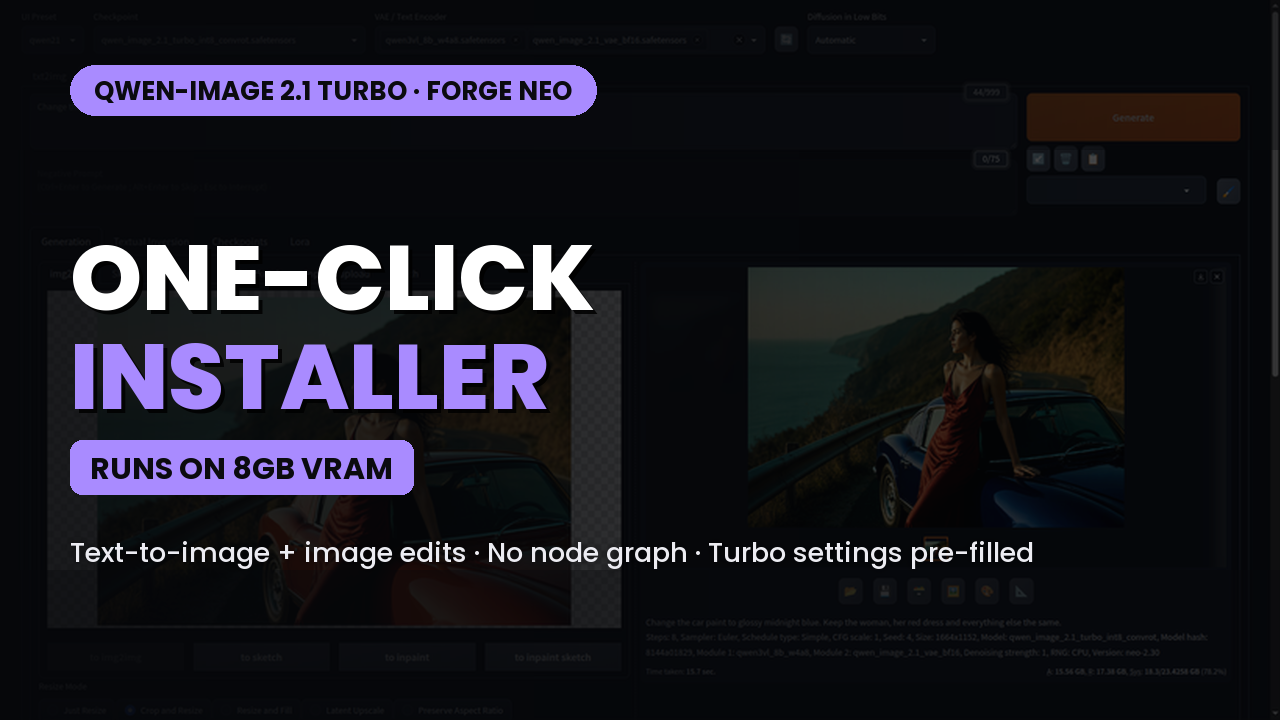
Qwen-Image 2.1 Turbo in Stable Forge UI Neo (8 GB VRAM) - One Click Installer
$4.00
✓ In Stock⭐ Get all 84+ installers for $10/month
Local Lab Pro gives you instant access to all 84+ installers and workflows we've ever made — plus every new release the moment it drops. No buying individually. One membership, everything included.
View Local Lab Pro membership →Secure checkout via Wix — or get all 84+ with Pro
// About this product
Qwen-Image 2.1 Turbo now runs inside Stable Diffusion Forge Neo — the official Turbo model, real image edits and edits with more than one reference image, all from a simple web page instead of a node graph. In side-by-side tests against ComfyUI with the same models, prompts and seeds, the images came out practically the same.
This one-click Windows installer sets up Forge Neo 2.30, Python 3.13 and the Qwen models for you, and Neo opens with the Turbo settings already filled in: 8 steps, CFG 1, the sampler for clean text-to-image results and the one that keeps edits from burning.
Already have Forge Neo? The included update file moves you to the tested version, and the link file lets Neo use the models you already have from ComfyUI, Automatic1111 or older Forge — nothing is copied or moved.
Pick your setup at install: Recommended (Turbo int8 + w4a8 encoder, ~14 GB), Lowest RAM (GGUF Q5 for 16 GB system RAM), Full (int8 + int8 encoder for 32 GB+ RAM) or Skip to use your own models.
Runs on 8 GB VRAM — about 13 seconds per 1024×1024 image on 8 GB, ~11 seconds on 16 GB. Needs an NVIDIA GPU with driver 580 or newer (PyTorch 2.13 / CUDA 13), Windows 10/11 and ~30 GB free storage. Git, uv and Python are handled automatically.