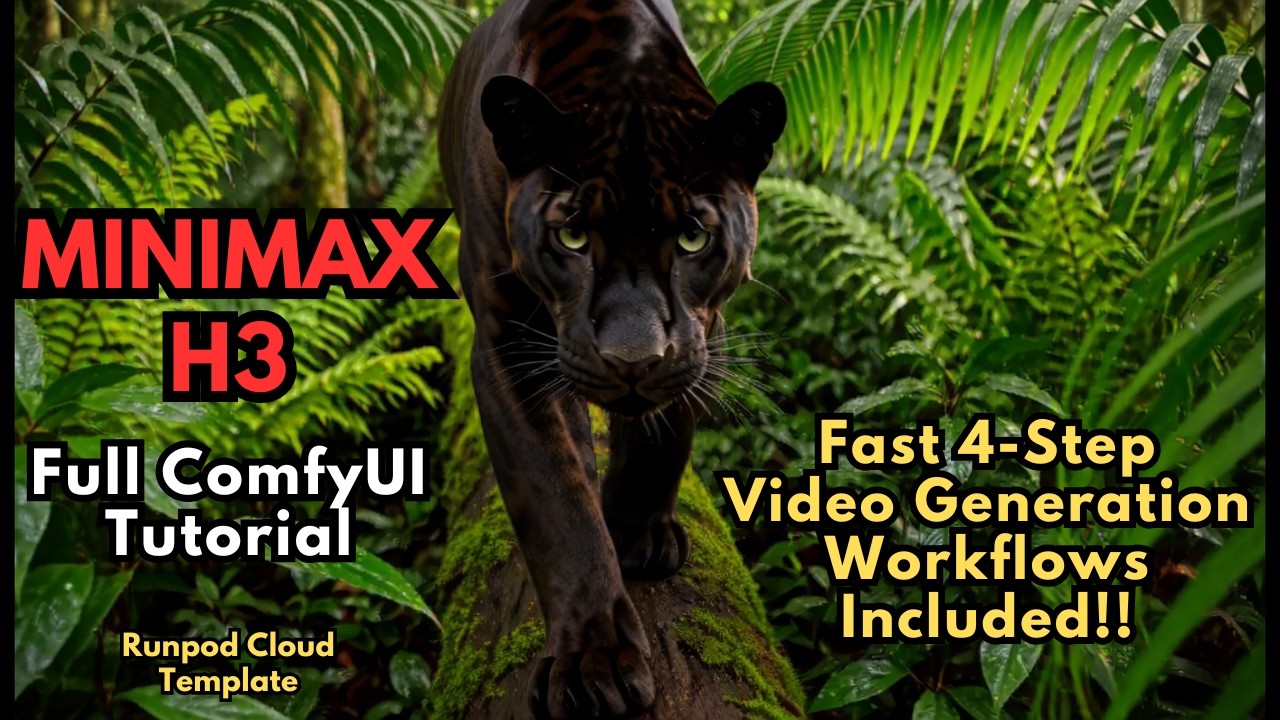
MiniMax H3 is the first open-weights model in MiniMax's Hailuo video line. It understands text, images, video and audio together and generates video with native stereo audio in a single pass — voice, sound effects and music are modelled with the video rather than added afterwards. It outputs up to 2K at 24 fps, around 15 seconds per clip, and was open-sourced on August 3, 2026 with native ComfyUI support the same day.
The Four Model Files
Update ComfyUI to 0.30.0 or later first — the workflow won't load on older builds.
| File | ComfyUI folder |
|---|---|
minimax_h3_fl2va_pruned_int8_convrot.safetensors (pruned int8, the low-VRAM build) | models/unet/ |
qwen3vl_32b_minimax_h3_nvfp4_awq.safetensors | models/text_encoders/ |
minimax_h3_video_vae_fp16.safetensors | models/vae/ |
minimax_h3_audio_vae_fp32.safetensors | models/vae/ |
Custom Nodes
- ComfyUI Manager, ComfyUI-KJNodes and rgthree-comfy
- ComfyUI Memory Cleanup — the VRAM/RAM cleanup nodes that keep H3 from running out of memory on consumer cards
- ComfyUI Nvidia RTX Nodes — RTX Video Super Resolution for a cleaner upscale
- FearnworksNodes
- Optional: Spectrum MiniMax H3, which claims up to ~30% faster generation
How the Workflow Works
It's built around the Image to Video node, which covers both modes:
- Text to video — leave the image inputs empty.
- First/last frame to video — connect a first frame, a last frame or both, and H3 fills in the motion between them.
A Resolution Selector is wired to H3's native canvas. For prompting, MiniMax publishes prompt-writing guides in the model's docs folder.
Turbo LoRAs: 20 Steps Down to 4
Two turbo LoRAs cut sampling from about 20 steps to 4–8 — roughly 4× faster — while keeping native audio. The video compares them side by side:
- Larryvrh Turbo LoRA (recommended) — actively updated and sharper at low step counts; at 4 steps it looked as good as or better than lightx2v at 6. It needs its own node pack (ComfyUI-MiniMax-H3-Turbo), which replaces the LoRA loader and sampler.
- lightx2v Turbo LoRA (Kijai conversion) — the simplest install: it loads with a standard LoRA loader and no extra nodes. Slightly softer results, but its audio sounded better in testing.
Keep LoRA strength at 1.0 and tune steps: 4 for speed, 6 as the balanced default, and 8 when audio quality matters most — at the lowest step counts the audio degrades first.
More Free H3 Workflows
- MiniMax H3 Turbo LoRAs (4–8 step)
- MiniMax H3 Audio Lip Sync — image to talking/singing video
- MiniMax H3 Fused Turbo — turbo baked into one model
- Video DeltaNet — faster, longer clips
- Semantic Bridge — better prompt adherence
📦 Want to skip the setup?
The MiniMax H3 All-In-One installer sets up ComfyUI Portable, every custom node and all six H3 workflows, with a download menu so you only pull the models you need.
Get the All-In-One Installer →