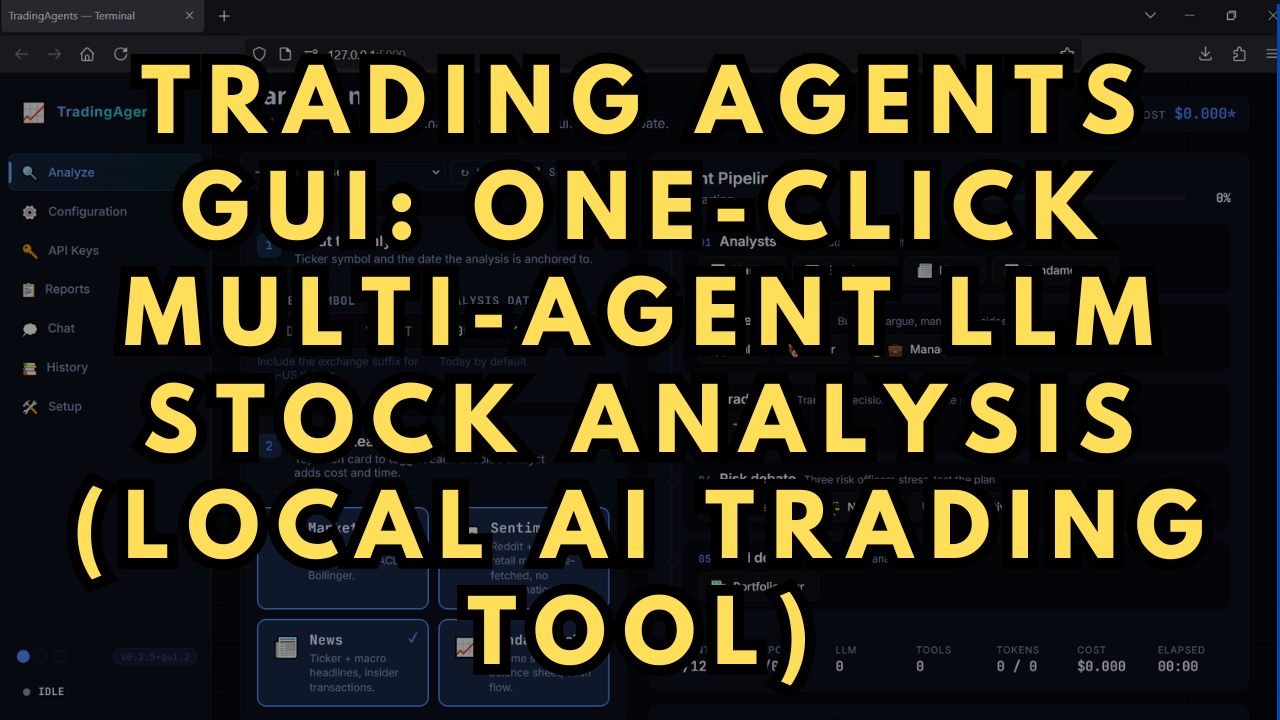
Trading Agents GUI: One-Click Multi-Agent LLM Stock Analysis (Local AI Tool)
$10.00 single purchase
✓ In Stock⭐ Membership Benefit
Get this with Local Lab Pro
This installer is included with the Local Lab Pro membership. Join for $10/month and get instant access to this and 84+ other installers & workflows — plus every new release the moment it drops.
⚡ Join Local Lab Pro — $10/mo →Cancel anytime · No long-term commitment
Just want this one installer? Buy individually for $10.00 →
// About this product
If you’ve been exploring AI-powered stock analysis or experimenting with LLM-driven trading systems, this project makes it dramatically easier to run a full multi-agent research pipeline locally—with a clean interface and one-click setup.
Original Trading Agents Project Overview
The original Trading Agents project by TauricResearch is a powerful multi-agent LLM framework designed for structured stock analysis. Instead of relying on a single model, it coordinates multiple specialized agents that work together to analyze financial data, generate insights, and produce structured reports.
Core capabilities include:
-
Multi-agent collaboration for deeper financial reasoning
-
Structured prompts and workflows for consistent analysis
-
Automated report generation with insights and recommendations
-
Flexible integration with different LLM providers
-
Modular architecture for experimentation and research
While incredibly powerful, the original project is primarily developer-focused, requiring manual setup and command-line interaction to run effectively.
Introducing Trading Agents GUI (My Fork)
My fork turns the original Trading Agents framework into a clean, user-friendly local application—without changing any of the core multi-agent logic.
GitHub Repo: https://github.com/TheLocalLab/TradingAgents-GUI
The focus is simple: remove setup friction and make it easy to run powerful multi-agent LLM stock analysis locally. Install once, launch with a single click, and get full structured analysis on your own machine.
Key Enhancements
This version builds on TradingAgents v0.2.5 with a strong emphasis on usability and workflow clarity.
The interface replaces command-line usage with a polished GUI, including a guided analyze flow, real-time pipeline visualization, and organized outputs (live feed, reports, and tool calls). You can control report depth (Concise, Standard, Comprehensive) to manage token usage and analysis detail.
Reports are easier to navigate and reuse, with search, export options, and one-click re-runs. A built-in chat interface lets you interact with your LLM providers and use past reports as context.
Setup is streamlined with a first-run wizard and a live diagnostics panel that verifies environment configuration, API keys, and dependencies. Additional features like real stop/cancel, run tracking, notifications, and theme customization improve day-to-day usability.
Under the hood, the backend has been modularized and provider support expanded, making the system more flexible and easier to extend.
For full feature details and updates, check the repository above.
One-Click Installer & System Requirements
The included installer is designed to remove setup complexity entirely.
What’s included:
-
Automatic Miniconda installation
-
Python 3.11 environment setup
-
Dependency installation
System requirements:
-
Windows 10 or 11
-
At least 10 GB free storage
-
Git for Windows
Once installed, you can launch the full AI stock analysis system with a single script.