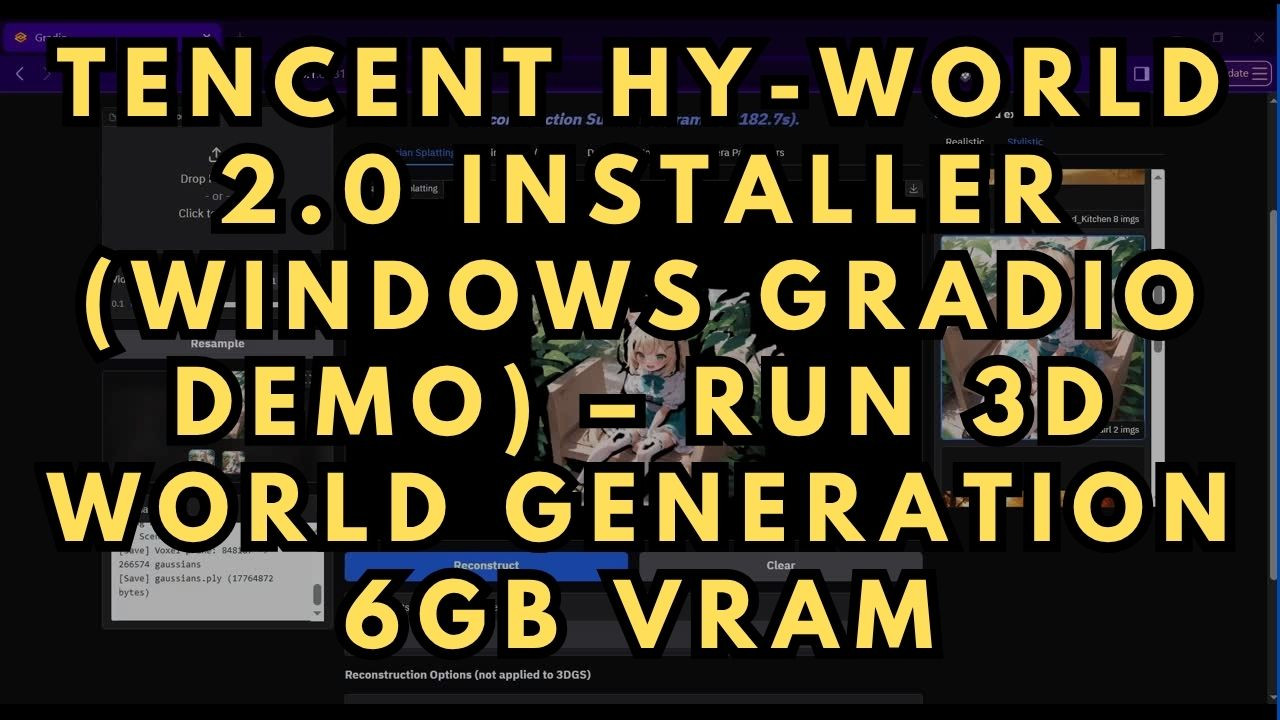
Tencent HY-World 2.0 Installer (Windows Gradio Demo) – Run 3D World Generation
$4.00
✓ In Stock⭐ Get all 84+ installers for $10/month
Local Lab Pro gives you instant access to all 84+ installers and workflows we've ever made — plus every new release the moment it drops. No buying individually. One membership, everything included.
View Local Lab Pro membership →Secure checkout via Wix — or get all 84+ with Pro
// About this product
Tencent HY-World 2.0 is an advanced 3D world simulation and reconstruction model developed by Tencent, designed to generate detailed 3D environments from image inputs. This model supports multi-image input, allowing users to significantly improve reconstruction quality by providing multiple reference images from different angles. The result is highly detailed 3D assets that can be exported in widely used formats such as GLB and PLY.
To make this powerful tool more accessible, I created a one-click Windows installer that fully automates the setup process and launches the official Gradio demo locally. This eliminates the need for manual dependency installation or environment configuration.
One of the most impressive aspects of HY-World 2.0 is its efficiency. Despite being a capable 3D generation model, it runs smoothly on lower VRAM GPUs. I successfully tested it on an RTX 4050 (6 GB VRAM) with 16 GB RAM, making it a practical option for users without high-end hardware.
For best results, provide multiple input images, as the model leverages additional references to produce more accurate and complete 3D reconstructions. All generated outputs are automatically saved in the HY-World-2.0/gradio_demo_output directory in both GLB and PLY formats, ready for use in 3D software, game engines, or further processing.
What the installers include:
Gradio Installer Package
Automatic setup:
-
Miniconda with Python 3.10
-
Flash Attention 2.5.9
-
Gsplat 1.5.3
-
Pytorch 2.4.0+cu124
-
Default models are downloaded and placed into their folders
GitHub & Huggingface Repositories
Tencent HY-World-2.0 Original GitHub Repo:
https://github.com/Tencent-Hunyuan/HY-World-2.0
Tencent HY-World-2.0 Model Huggingface Repository:
https://huggingface.co/tencent/HY-World-2.0
System requirements
-
GPU: Nvidia RTX 4090, 5090 series, or equivalent (for best performance)
-
CUDA-compatible GPU with at least 6 GB VRAM
-
Operating System: Windows 10/11
-
Storage: at least 20 GB free
-
FFmpeg: Make sure FFmpeg is installed (https://www.ffmpeg.org/download.html) (needed only if processing video input; not required for images)
Usage notes
-
Extract the zip file below into a folder dedicated just for this project, with no spaces in the name of the folder. Run HyWorld-2-3D-World-Gen.bat to install (first time only)
-
After installation, run start_WebUI.bat each time you want to use the app
-
Open the URL shown in the terminal (typically http://127.0.0.1:8081) in your browser
-
Upload your image(s), then click Reconstruct
-
First run will download the model (~5 GB) – this only happens once
-
Do not close the terminal window while the server is running
Tips for Better Results
-
Use multiple angles of the same subject.
Providing 3–8 images from different viewpoints (front, sides, slight elevation changes) helps the model reconstruct more complete and accurate geometry. -
Keep lighting consistent across images.
Avoid mixing drastically different lighting conditions or shadows, as this can confuse the model and reduce surface quality. -
Avoid motion blur and low-resolution images.
Sharp, high-quality images produce significantly better 3D detail and cleaner geometry. -
Ensure the subject is clearly visible.
Try to minimize occlusions (objects blocking the subject) and keep the main object centered in each image. -
Use simple or uncluttered backgrounds when possible.
Busy backgrounds can introduce noise into the reconstruction and reduce overall accuracy. -
Maintain consistent scale and distance.
Keep the subject roughly the same size across all input images to help the model align features correctly. -
Start with fewer images, then add more if needed.
If results look incomplete, gradually add more reference images to improve coverage rather than overloading the model all at once.