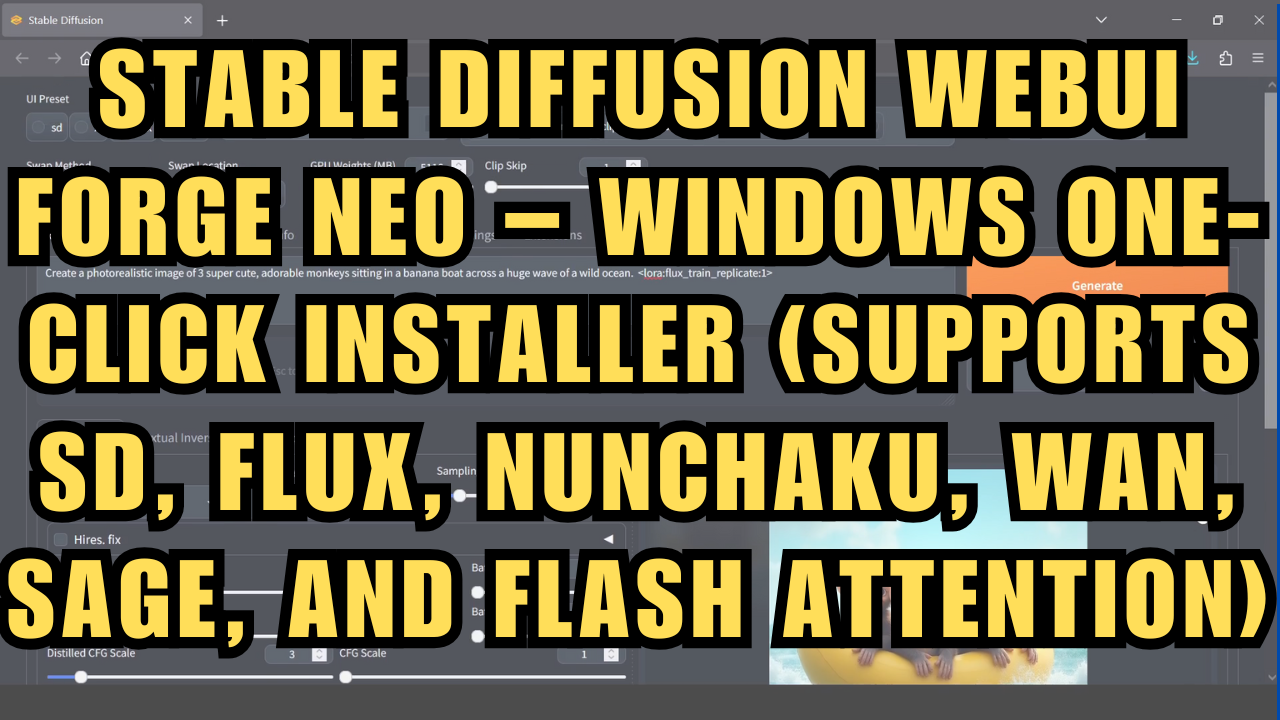
Stable Diffusions Forge UI Neo - Flux, WAN 2.2, +more – Window 1-Click Installer
$3.00
✓ In Stock⭐ Get all 81+ installers for $10/month
Local Lab Pro gives you instant access to all 81+ installers and workflows we've ever made — plus every new release the moment it drops. No buying individually. One membership, everything included.
View Local Lab Pro membership →Secure checkout via Wix — or get all 81+ with Pro
// About this product
I’ve put together a one-click installer for the newly released Stable Diffusions WebUI Forge Neo, built on the latest version of the original Forge interface. This version comes with support for SD, Flux, Nunchaku, WAN, and more.
The package includes two installers for convenience:
-
A standard installer for the base project.
-
An extended installer that additionally sets up Sage, Flash Attention 2, and Triton for Windows within the projects environment.
Forge Neo can be seen as the natural continuation of the most recent Forge release (based on Gradio 4.40.0, before its original maintainer became unavailable). The focus of Neo is on performance and usability—streamlined, lightweight, and free from unnecessary bloat, while staying optimized for modern workflows.
📂 GitHub Repository: https://github.com/Haoming02/sd-webui-forge-classic/tree/neo
Usage Notes
Download and place the installer files in their own folder. Simply double-click to install the project locally—no extra setup required.
Support and More Information
-
Community Support: For troubleshooting or to connect with other users, join the Discord server.