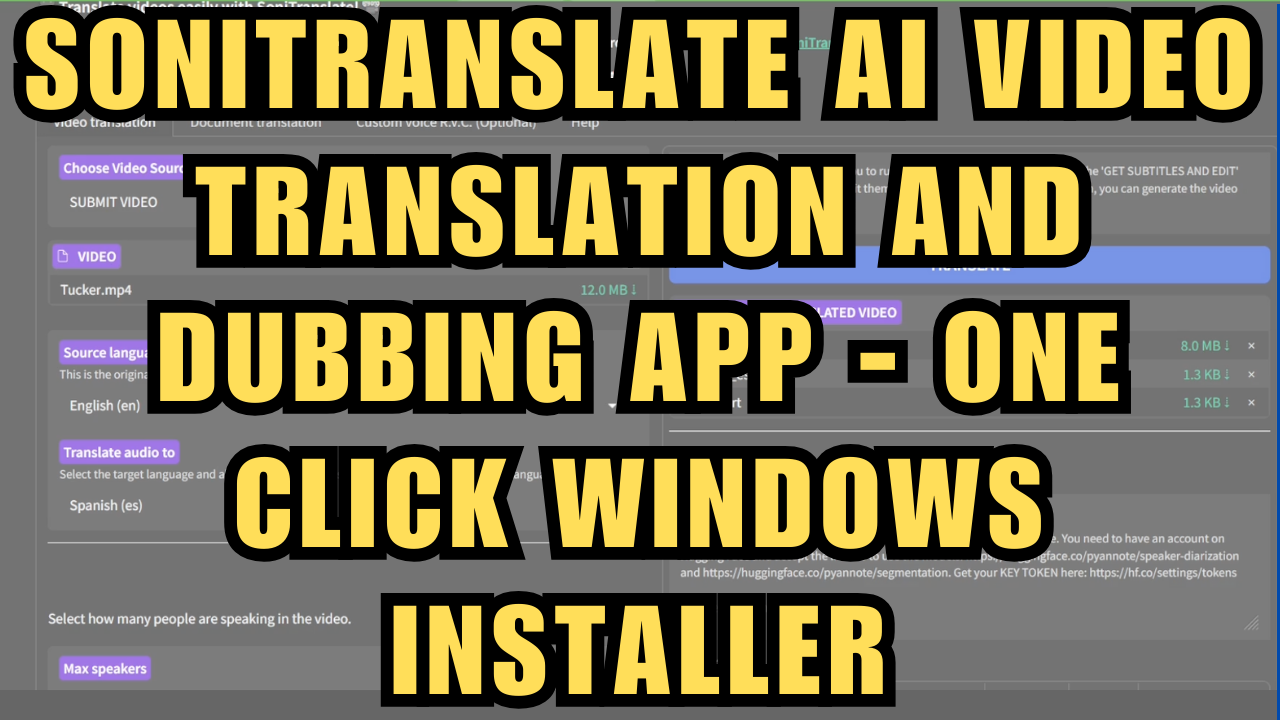
SoniTranslate AI Video Translation and Dubbing App - One Click Windows Installer
$4.00
✓ In Stock⭐ Get all 84+ installers for $10/month
Local Lab Pro gives you instant access to all 84+ installers and workflows we've ever made — plus every new release the moment it drops. No buying individually. One membership, everything included.
View Local Lab Pro membership →Secure checkout via Wix — or get all 84+ with Pro
// About this product
I've created a Windows one-click installer for SoniTranslate, an open-source application for synchronized video translation and dubbing. While my previous YouTube tutorial on the installation process that I created last year, remains largely relevant, this new installer will seek to address reported issues by the community and simplifies the setup process.
For those who don't know, SoniTranslate is a powerful local web app that can translate videos into over 50 languages with natural-sounding voiceovers and voice conversion, supporting both CPU and GPU devices.
To install the project you will need these setup requirements, most of which will be preset within the installer itself:
-
Visual Studio Desktop development with C++ (not automatically installed) - available at https://visualstudio.microsoft.com/visual-cpp-build-tools/
-
FFmpeg (included in the script, but can be manually installed from https://www.ffmpeg.org/download.html)
-
Miniconda (included in the script)
-
Hugging Face Access Token (you'll be prompted during installation)
-
Acceptance of license agreements on Hugging Face for https://huggingface.co/pyannote/speaker-diarization and https://huggingface.co/pyannote/segmentation models.
You can join either my Youtube or Patreon members for access to the installer.
You can also purchase the installer individually here - https://www.patreon.com/posts/sonitranslate-ai-120560197?utm_medium=clipboard_copy&utm_source=copyLink&utm_campaign=postshare_creator&utm_content=join_link
You can find the Youtube video tutorial here - https://youtu.be/RVfBuJPdg1U.
SoniTranslate Github Repository - https://github.com/R3gm/SoniTranslate
If you have any questions, feel free to leave a message in my Discord channel. Discord - https://discord.gg/5hmB4N4JFc.