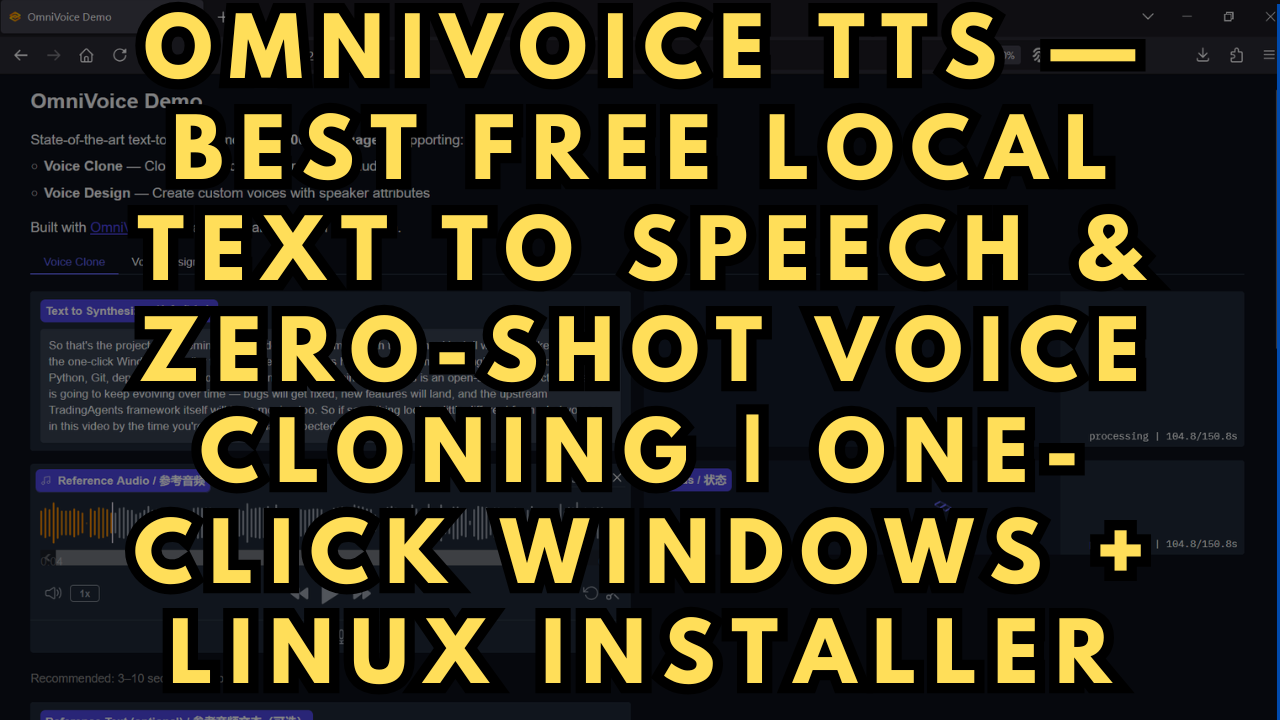
OmniVoice TTS — Best Free Local Text to Speech & Zero-Shot Voice Cloning
$4.00
✓ In Stock⭐ Get all 84+ installers for $10/month
Local Lab Pro gives you instant access to all 84+ installers and workflows we've ever made — plus every new release the moment it drops. No buying individually. One membership, everything included.
View Local Lab Pro membership →Secure checkout via Wix — or get all 84+ with Pro
// About this product
OmniVoice is one of the most capable free, open-source text-to-speech and zero-shot voice cloning models available right now — and it runs entirely on your local machine. Developed by the k2-fsa research team (the same group behind Kaldi and k2), OmniVoice was trained on over 581,000 hours of open-source speech data and supports an extraordinary 646 languages — compared to just 32 for paid services like ElevenLabs. Released under the Apache 2.0 license, it's completely free for personal and commercial use with no API keys, no subscriptions, no character limits, and no data leaving your machine.
What sets OmniVoice apart from other local TTS and voice cloning tools is its zero-shot voice cloning pipeline — provide just a 3 to 25 second audio reference clip, and the model instantly extracts the speaker's voice profile and replicates it in any of its supported languages. No training, no fine-tuning, no waiting.
Beyond cloning, OmniVoice also features Voice Design, allowing you to describe a voice by attributes — gender, age, pitch, accent, speaking style — and generate a brand-new speaker from text alone. Add in non-verbal expression support (like [laughter]), phoneme-level pronunciation control, and an inference speed of RTF 0.025 (40× faster than real-time), and this is genuinely one of the most powerful local AI voice tools ever released.
Easily one of the best local voice cloning models I've tried.
Included in the Package
The automated one-click installer sets up everything required to run OmniVoice locally, including:
-
Python 3.11 via Miniconda (self-contained, installs to the project folder)
-
PyTorch 2.8.0+cu128 with CUDA 12.8 support
-
OmniVoice pip package with all dependencies
-
Auto-generated start_WebUI.bat (Windows) / start_webui.sh (Linux) launcher
System Requirements
-
OS: Windows 10/11 or Linux (Ubuntu, Debian, Arch, Fedora supported)
-
GPU: NVIDIA GPU with CUDA support — RTX 30XX or later recommended
-
Minimum VRAM: 6 GB (model will offload automatically on lower VRAM, but 6 GB+ recommended for smooth performance)
-
Free Disk Space: At least 30 GB
-
Internet connection required on first run for model weights and dependency downloads
-
FFmpeg: Make sure FFmpeg is installed (https://www.ffmpeg.org/download.html) - not really needed but good to have anyway.
Usage Notes
-
Download and place the installer files in a dedicated folder. Double-click OmniVoice_Voice-Clone_Gradio.bat (Windows) or run bash OmniVoice_Voice-Clone_Gradio.sh (Linux) to install — no manual setup required.
-
Everything installs into a self-contained conda environment named omnivoice so your system Python is never touched.
-
Once installed, use start_WebUI.bat (Windows) or start_webui.sh (Linux) to launch the Gradio web UI. Open your browser to:
http://localhost:8001 or http://127.0.0.1:8001
Resources & Advanced Usage
For prompt examples, voice design guides, and advanced usage documentation, visit the official repository: