LTX-2 via Wan2GP - Low VRAM Video Generation - One Click Installer
$4.00
✓ In Stock⭐ Get all 81+ installers for $10/month
Local Lab Pro gives you instant access to all 81+ installers and workflows we've ever made — plus every new release the moment it drops. No buying individually. One membership, everything included.
View Local Lab Pro membership →Secure checkout via Wix — or get all 81+ with Pro
// About this product
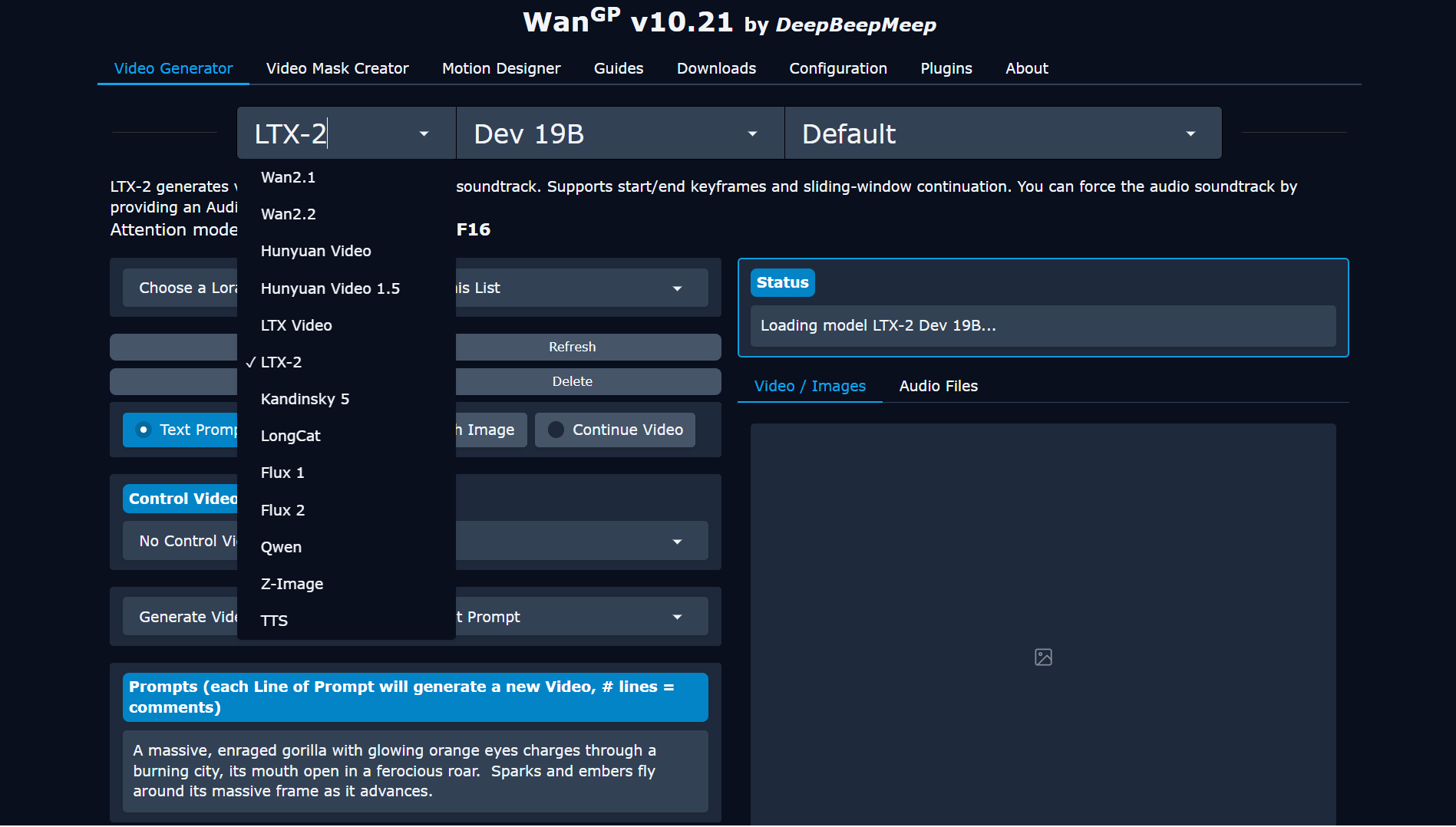
You can now use the new LTX-2 19B video models locally on modest hardware using the open-source Wan2GP Video Generator interface.
Wan2GP is a lightweight yet powerful open-source front-end designed to run large diffusion-based video generation models like LTX-2 directly on your machine. It automatically handles model downloading, hardware optimization, and offloading compute to your system RAM — allowing even GPUs with just 8 GB of VRAM to run high-quality generative video models. Thanks to Wan2GP's streamlined interface, you can experiment with local AI video creation without touching the command line or complex configurations.
The included one-click installer enables you to install Wan2GP locally inside an isolated Miniconda environment, along with PyTorch 2.8 + CUDA 12.8, Triton for Windows and Sage Attention 2. Once installed, simply open Wan2GP, select the LTX-2 model from the dropdown menu, and let it handle the rest.
Wan2GP GitHub Repository: https://github.com/deepbeepmeep/Wan2GP — Quick Start Guide
LTX-2 19B LoRA Camera Control: Hugging Face | Sage Attention 2: GitHub
What My One-Click Installer Does
- Clones and installs the Wan2GP open-source project
- Installs Python 3.10
- Triton for Windows
- Sage Attention 2
- PyTorch 2.8 with CUDA 12.8
- Sets up Miniconda in an isolated environment
System Requirements
- CPU: 6-core processor (Ryzen 5 / Intel i5 or better)
- RAM: 16 GB (32 GB recommended for larger models)
- Storage: 50 GB free space (SSD strongly recommended)
- OS: Windows 10 or 11 (64-bit)
- NVIDIA GPUs with 8 GB+ VRAM (RTX 3060, 4060, 4070, 4080, or 4090)
- CUDA 12.6+ for smooth operation across Ampere and Ada Lovelace architectures
Known Issues and Notes
- As of now, image-to-video generation for the LTX-2 models still needs refinement. You might encounter static or frozen video outputs when using non-photorealistic images.
- Wan2GP supports many other AI video and diffusion models in addition to LTX-2.