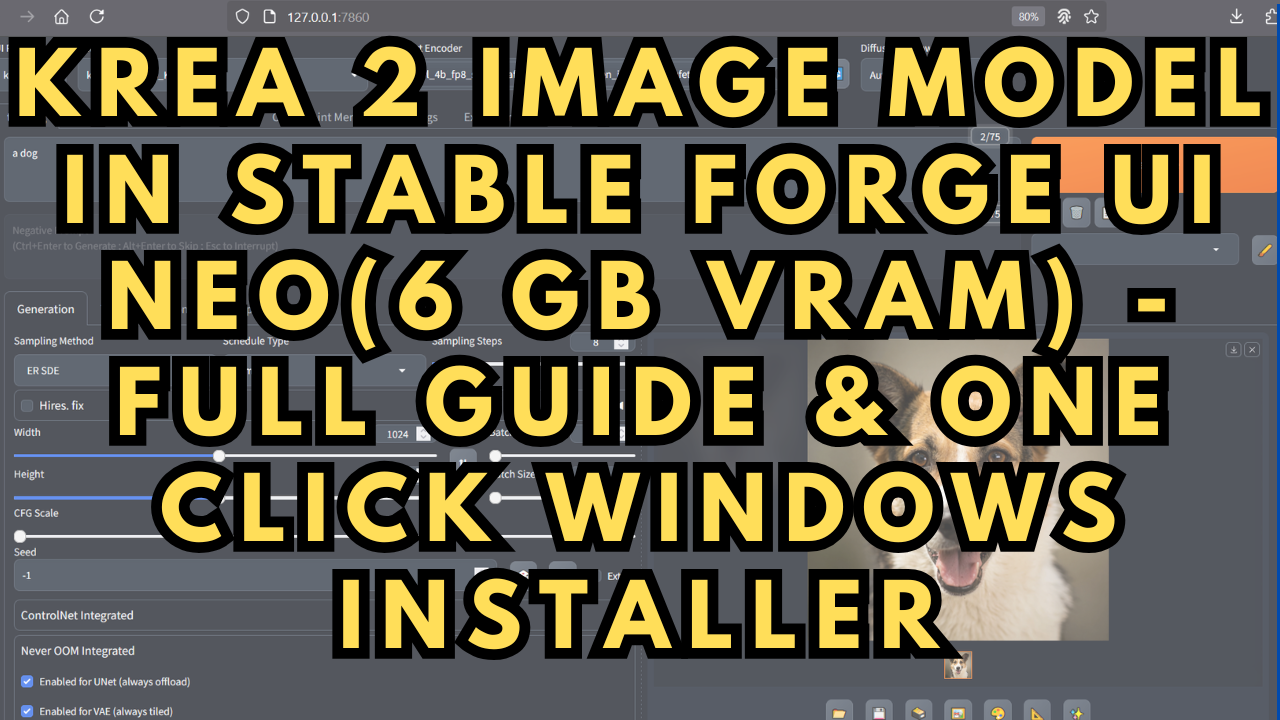
Krea 2 Image Model in Stable Forge UI Neo(6 GB VRAM) - One Click Installer
$4.00
✓ In Stock⭐ Get all 84+ installers for $10/month
Local Lab Pro gives you instant access to all 84+ installers and workflows we've ever made — plus every new release the moment it drops. No buying individually. One membership, everything included.
View Local Lab Pro membership →Secure checkout via Wix — or get all 84+ with Pro
// About this product
Krea 2 is a next-generation AI image model designed for fast, high-quality visual generation with a strong focus on realism, prompt accuracy, and stylistic control. It stands out for its ability to produce clean, detailed images with minimal prompt engineering, making it ideal for both beginners and advanced creators. With improved rendering consistency, better composition handling, and efficient performance, Krea 2 positions itself as a powerful alternative in the growing landscape of AI image generation tools.
Building on that, I’ve put together a one-click installer tailored specifically for running the Krea 2 Image Model, making setup simple and accessible without sacrificing performance in Stable Diffusion Forge Neo which now has full Krea 2 support.
About Forge Neo
Forge Neo can be viewed as the natural evolution of the last Forge release (based on Gradio), developed just before the original maintainer stepped away. It expands compatibility across multiple leading models, including Stable Diffusion (SD), Flux, WAN 2.2, Z-Image Turbo, and now Krea 2, all within a single streamlined environment.
The core philosophy behind Forge Neo is performance, efficiency, and usability. It is designed to stay lightweight while delivering a highly optimized experience for modern AI image generation workflows. By avoiding unnecessary complexity and eliminating the need for ComfyUI, Forge Neo provides a faster, cleaner, and more accessible interface for creators who want powerful results without a complicated setup.
📂 GitHub Repository:
https://github.com/Haoming02/sd-webui-forge-classic/tree/neo
Included in the Package
The installer automatically sets up:
-
Sage Attention 2
-
Flash Attention 2
-
Triton for Windows
-
Pytorch: 2.8.0+cu128
The installer downloads and places the following default models directly into their respective folders:
-
Krea 2 Turbo GGUF image models
-
qwen3vl_4b_fp8_scaled.safetensors clip model
-
qwen_image_vae.safetensors VAE model
-
Krea 2 Turbo FP8 model(This model is NOT included in the download)
System Requirements
-
NVIDIA RTX 30XX / 40XX / 50XX GPU (FP8 supported)
-
CUDA-compatible GPU (minimum 6 GB VRAM for GGUF Models, 12+ GB VRAM for FP8)
-
At least 20 GB free storage
I’ve created a separate SD Forge Neo update file for Windows, along with a step-by-step guide on how to quickly update the project locally. It’s available for my Patreon members, or you can purchase it individually here:
Patreon Member - https://www.patreon.com/TheLocalLab/posts/stable-diffusion-146399678
Buy Individually - https://www.locallabdigest.com/product-page/stable-diffusion-forge-ui-neo-update-file-windows
Usage Notes
-
Download and place the installer files into their own folder.
-
Double-click to install the project locally—no additional setup needed.
-
Ensure FFmpeg is installed: https://www.ffmpeg.org/download.html
-
Once the web interface is open, follow the configuration settings shown in the images above.
-
Add the LoRA model under the LoRA tab.
-
If using Text-to-Image, confirm the correct models are selected.
-