Kimodo.cpp One-Click Windows Installer - Local AI Text-to-Motion 3D Animation
$4.00
✓ In Stock⭐ Get all 84+ installers for $10/month
Local Lab Pro gives you instant access to all 84+ installers and workflows we've ever made — plus every new release the moment it drops. No buying individually. One membership, everything included.
View Local Lab Pro membership →Secure checkout via Wix — or get all 84+ with Pro
// About this product
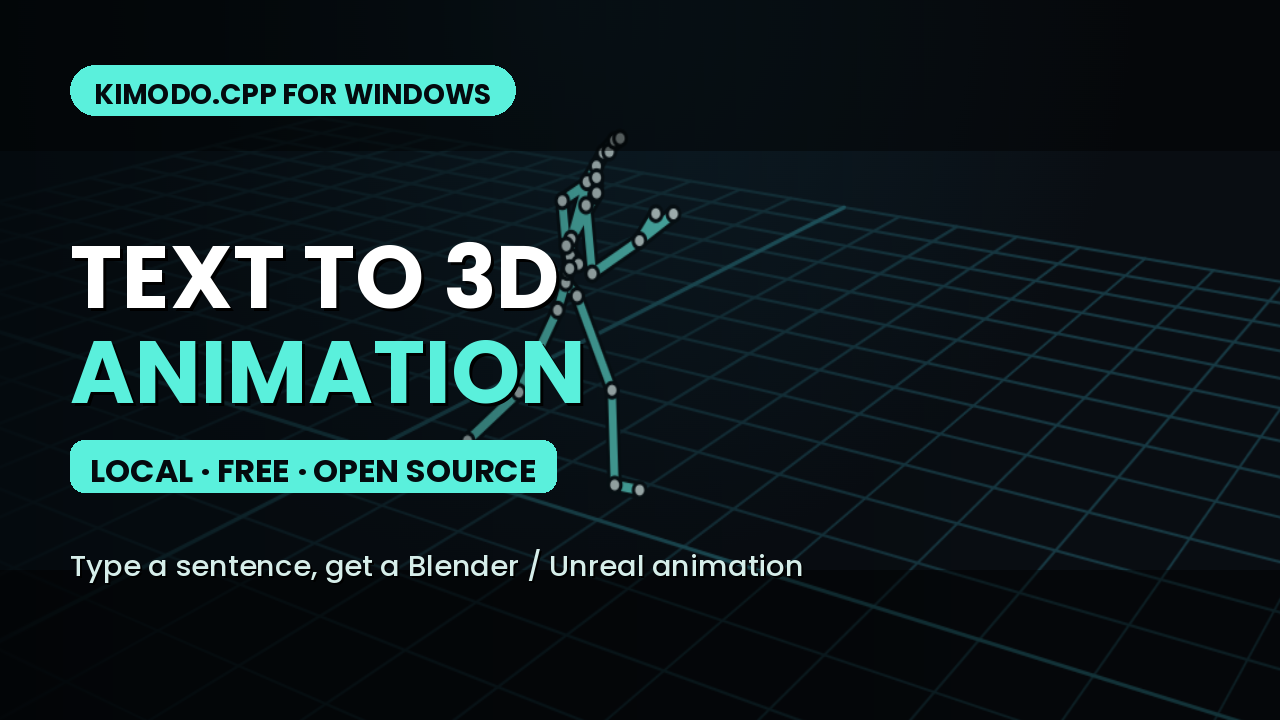
Type "a person waving" and get a 3D character animation you can drop straight into Blender or Unreal Engine 5 — generated locally on your own machine, no cloud, no subscription. Kimodo is NVIDIA's open text-to-motion model; this is my one-click Windows package for Kimodo.cpp, built so it actually installs on a normal Windows PC.
Why this exists: the original project had no real Windows install path — you were expected to build it from source with a full C++ toolchain. I forked it, added proper Windows support (the fork is free and open source at TheLocalLab/kimodo.cpp-windows), and packaged it so there is nothing to build.
Nothing to install first. No compiler, no Visual Studio, no CMake, no Vulkan SDK, no Go — not even Python. Every executable is prebuilt, including the web UI server, and setup bootstraps its own private Python into the package folder. Unzip, double-click Setup.bat, and it fetches the model weights on first run.
Generate from a local browser studio or a double-click command-line mode, preview the animated skeleton, and export a .glb to retarget onto the UE5 Mannequin or a Blender rig. Runs on an NVIDIA GPU with 8 GB of VRAM via Vulkan, or on CPU if you don't mind waiting.