IndexTTS-2 - Expressive TTS & Voice Cloning - One Click Installer
$5.00
✓ In Stock⭐ Get all 84+ installers for $10/month
Local Lab Pro gives you instant access to all 84+ installers and workflows we've ever made — plus every new release the moment it drops. No buying individually. One membership, everything included.
View Local Lab Pro membership →Secure checkout via Wix — or get all 84+ with Pro
// About this product
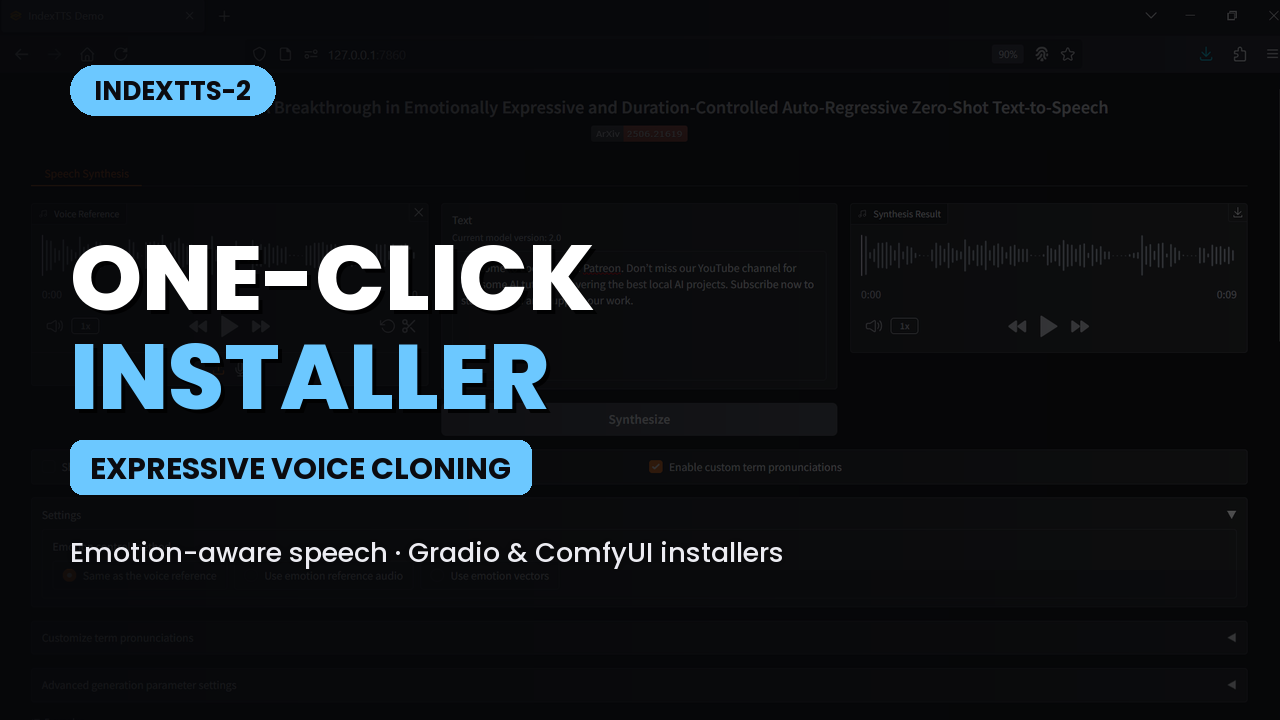
IndexTTS-2 is our next-generation text-to-speech and voice cloning toolkit that makes it easy to turn text into expressive, natural-sounding speech. With two one-click Windows installers, you can set up Gradio or ComfyUI workflows quickly — no setup headaches, just one click and you're ready to generate.
IndexTTS-2 is an expressive TTS and voice cloning system built to deliver high-quality, emotion-aware speech. It supports voice cloning by using reference audio to tailor output to a desired voice.
Index TTS Original GitHub Repo: https://github.com/index-tts/index-tts
ComfyUI IndexTTS-2 Custom Node GitHub Repo: https://github.com/snicolast/ComfyUI-IndexTTS2
Gradio Installer Package — Automatic Setup
- Deepspeed 13.1
- Miniconda with pynini==2.1.6
- Triton for Windows
- PyTorch 2.8.0+cu128
- Default models downloaded and placed into their folders
ComfyUI Installer Package — Automatic Setup
- Sage Attention 2
- Flash Attention 2
- Miniconda with pynini==2.1.6
- Triton for Windows
- PyTorch 2.8.0+cu128
- Default models downloaded and placed into their folders
System Requirements
- GPU: Nvidia RTX 4090, 5090 series, or equivalent (for best performance)
- CUDA-compatible GPU with at least 8 GB VRAM
- Operating System: Windows
- Storage: At least 40 GB free
- FFmpeg: https://www.ffmpeg.org/download.html
Usage Notes
- Create a dedicated folder for the installer files and run the installer from that folder.
- Gradio: upload a reference audio, type the text to synthesize, then click the synthesize button.
- ComfyUI: upload a reference audio, enter text, and press the run button.
- Higher emotion strength can reduce similarity to the reference voice. Lower it if you want the output to more closely resemble the reference.
- Both interfaces allow you to upload a different reference audio for the desired emotion/style.
- To bypass reference audio in ComfyUI, right-click the reference nodes and select bypass.