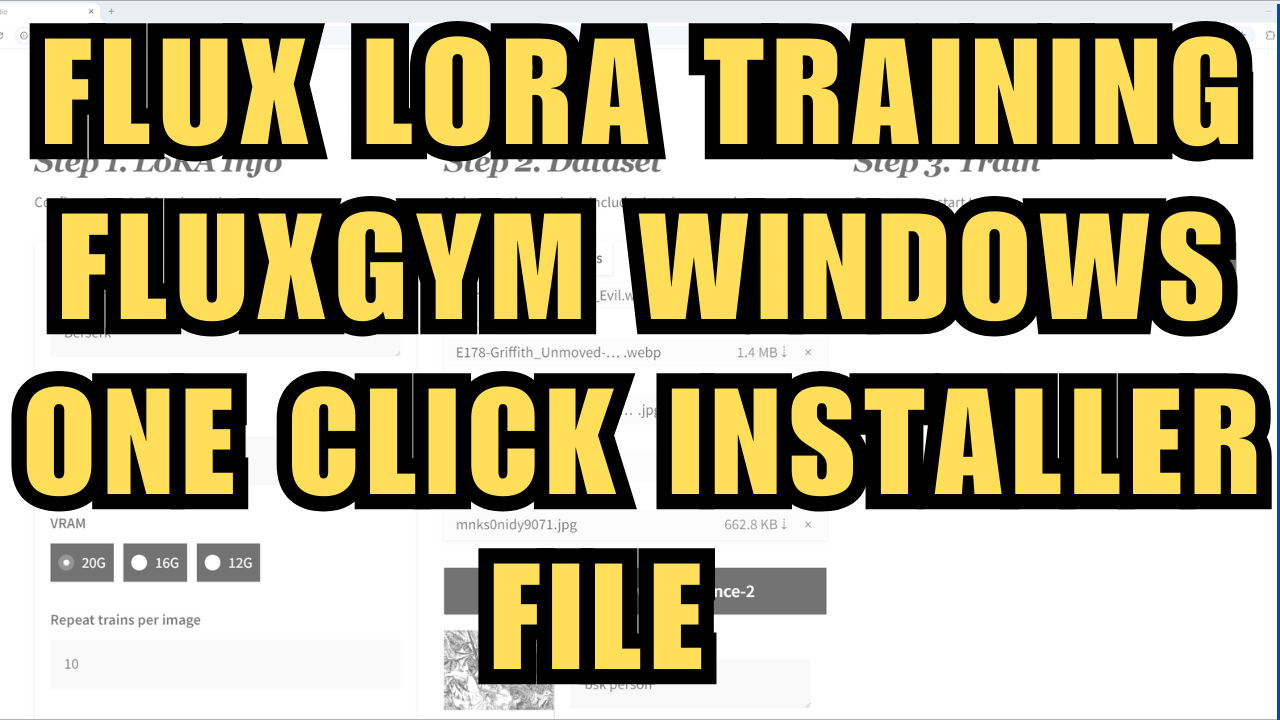
Flux LoRA Training - FluxGym One Click Installer File - Windows
$3.00
✓ In Stock⭐ Get all 81+ installers for $10/month
Local Lab Pro gives you instant access to all 81+ installers and workflows we've ever made — plus every new release the moment it drops. No buying individually. One membership, everything included.
View Local Lab Pro membership →Secure checkout via Wix — or get all 81+ with Pro
// About this product
A one Click Installer package for the FluxGym Kohya Lora, making it easier to install locally for the windows OS. All you will need to do is download the file and install. You can find a free Google Colab on my Github and also a Runpod template on my YT video that also leverages the Fluxgym project, both available through the links provided below.
You can find the link to post with the installer here - https://www.patreon.com/posts/flux-lora-1-file-112977708
-
Important information about the installer:
-
This package will require python 3.10 which will automatically download and install if you don't already have it. You will have to click the install bat file again after the python package has installed.
-
It will automatically create a start.bat and update.bat file. Please note there may be a brief delay during startup.
-
The models you will use during your training will automatically download after you start your training process(Ensure you have 50gb, maybe more, of free space for this process)
-
After the installation, your python environment should hold all the dependencies needed for your FluxGym project.
-
Resources:
-
Google Colab (Experimental, slower performance): https://github.com/TheLocalLab/fluxgym-Colab
-
FluxGym Runpod Template (Faster but not free): https://runpod.io/console/deploy?template=0mjaojb546&ref=sx3hcf1w
For guidance on using the Runpod template, please watch my instructional video: https://youtu.be/d9ZyvxZEkHY