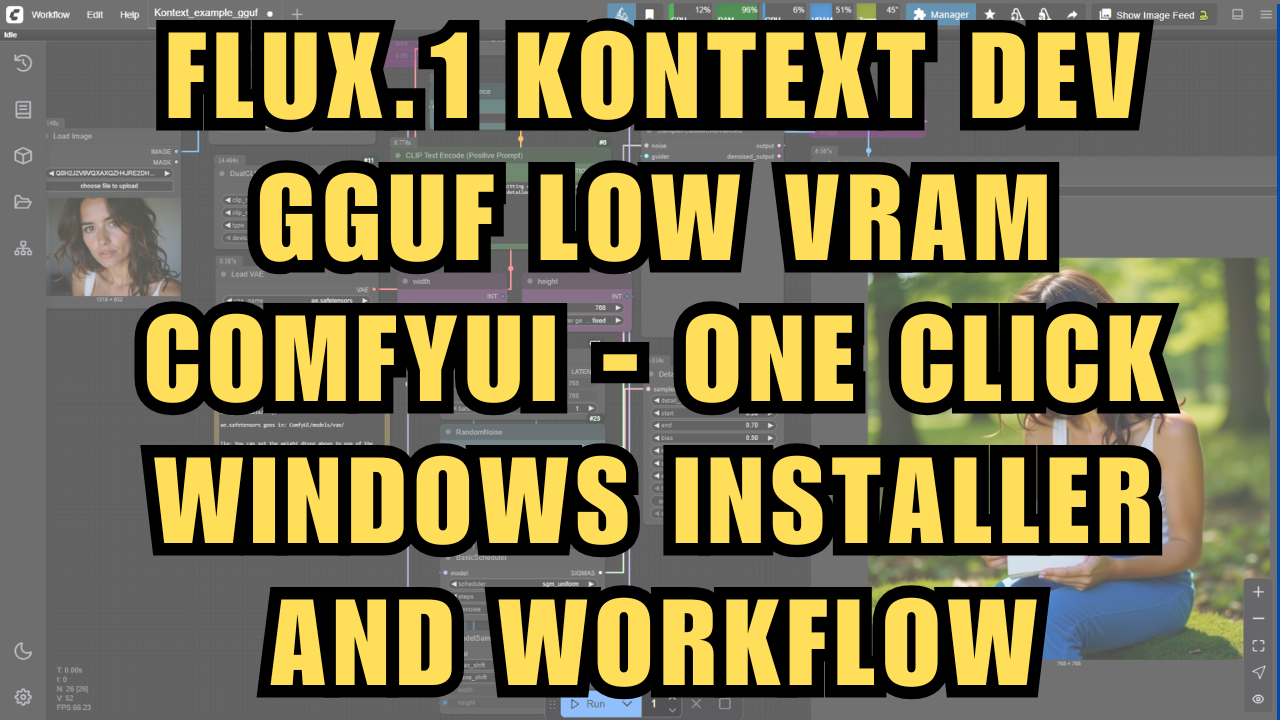
Flux.1 Kontext Dev GGUF Low VRAM ComfyUI - One Click Windows Installer/Workflow
$4.00
✓ In Stock⭐ Get all 84+ installers for $10/month
Local Lab Pro gives you instant access to all 84+ installers and workflows we've ever made — plus every new release the moment it drops. No buying individually. One membership, everything included.
View Local Lab Pro membership →Secure checkout via Wix — or get all 84+ with Pro
// About this product
A brand new one-click Windows installer is now available for the Flux1-Kontext model and ComfyUI! This package is designed for effortless setup—no manual downloads or complicated steps. Just run the installer and you’ll have a fully configured ComfyUI environment with powerful custom nodes and the latest Flux1-Kontext model, ready to generate stunning AI images.
What is Flux1-Kontext?
Flux1-Kontext is a cutting-edge open-source AI model for image generation and understanding. It leverages the GGUF format for efficient inference and supports advanced workflows in ComfyUI, including text-to-image, upscaling, and enhanced detail with the Detail Daemon node. This setup is ideal for both enthusiasts and professionals looking for a streamlined creative workflow.
Installer Features
-
Automatic Dependency Setup: Installs Git and 7-Zip if missing—no manual intervention needed.
-
ComfyUI Pre-Configured: Downloads and extracts the latest portable ComfyUI for Windows (NVIDIA).
-
Custom Nodes Included: Installs ComfyUI-Manager, Detail Daemon, and GGUF support nodes for advanced workflows.
-
All Models Downloaded: Automatically fetches the Flux1-Kontext GGUF model, CLIP and T5XXL text encoders, VAE, and two high-quality upscalers.
-
No Python Hassles: Uses embedded Python, so there’s no need to install or configure Python separately.
-
Truly One Click: Just run the installer and everything sets up automatically—even on a fresh Windows system.
Model Details
-
Base Model: Flux1-Kontext (GGUF format)
-
Text Encoders: CLIP-L, T5XXL
-
VAE: Latest compatible autoencoder
-
Upscalers: 1x-SwatKatsLite, 2xLexicaRRDBNet_Sharp
System Requirements
-
Windows 10 or higher
-
Nvidia GPU with at least 6GB VRAM (RTX 30XX, 40XX, or 50XX recommended; older cards may work but are untested)
-
CUDA support required
-
At least 30GB free disk space
-
Stable internet connection for automatic downloads
What’s Included
-
Portable ComfyUI Environment: No installation required—runs from any folder.
-
Custom Node Workflows: Pre-installed nodes for detail enhancement, model management, and GGUF model support.
-
All Required Models: Everything is downloaded and placed in the correct folders automatically.
-
Easy Updates: Update nodes or models by re-running the installer or using ComfyUI-Manager.
Usage Notes
-
For best results, use detailed prompts and experiment with the included upscalers for high-res outputs.
-
The Detail Daemon node can be added to your workflow for extra sharpness and clarity.
-
All models are preloaded; just launch ComfyUI and start creating!
Support and More Information
-
Project GitHub: For technical details, updates, and documentation, visit the project’s GitHub repository.
-
Community Support: For troubleshooting or to connect with other users, join the Discord server.
If your using the FP8 workflow, you can download the FP8 version of the model here - https://huggingface.co/Comfy-Org/flux1-kontext-dev_ComfyUI/tree/main/split_files/diffusion_models. Place this model in your ComfyUI/models/diffusion_models folder.