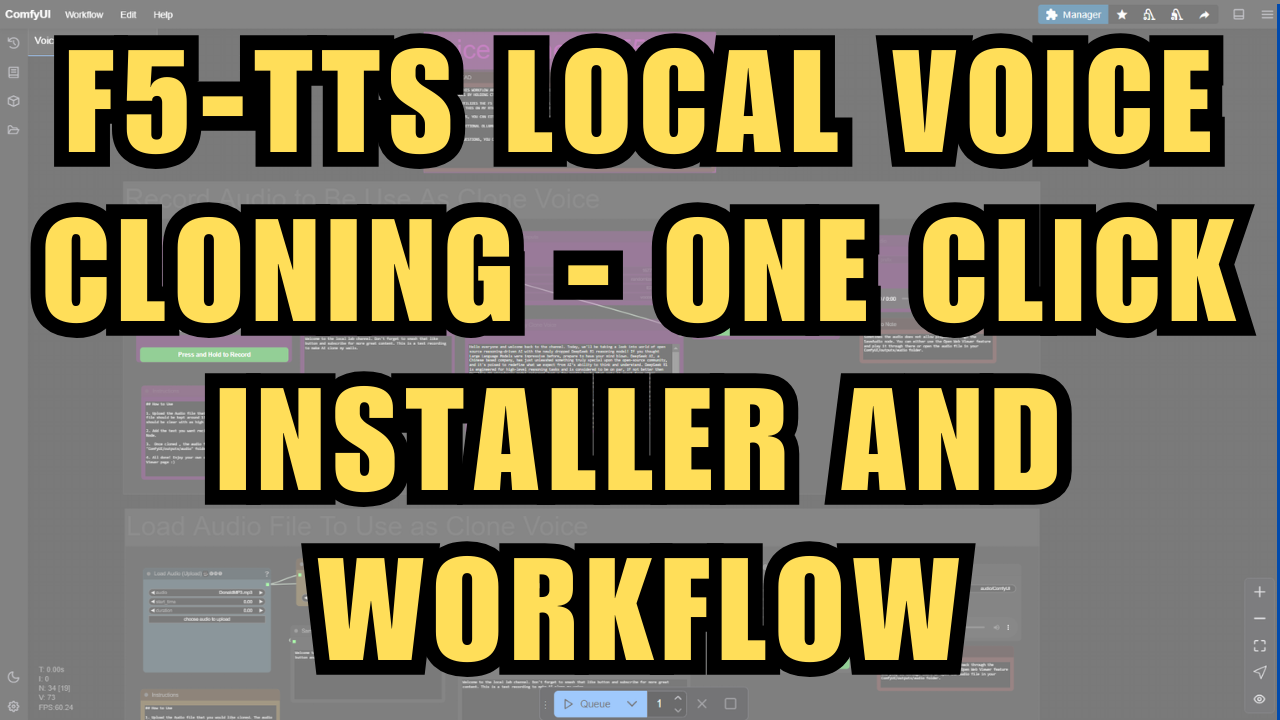
F5-TTS Local Realistic Voice Cloning ComfyUI - Windows Installer and Workflow
$3.00
✓ In Stock⭐ Get all 81+ installers for $10/month
Local Lab Pro gives you instant access to all 81+ installers and workflows we've ever made — plus every new release the moment it drops. No buying individually. One membership, everything included.
View Local Lab Pro membership →Secure checkout via Wix — or get all 81+ with Pro
// About this product
New method for voice cloning using ComfyUI and the F5-TTS models. A recently released ComfyUI-F5-TTS node allows direct use of F5 TTS models within ComfyUI. It performs well on low VRAM devices - I was able to generate audio smoothly and quickly even with my RTX 4050 6GB VRAM and 16 GB RAM PC. While the cloned voice isn't a perfect carbon copy, it's pretty dam close.
You can find the original post and workflow here:
https://www.reddit.com/r/StableDiffusion/comments/1id8spa/effortlessly_clone_your_own_voice_by_using/?sort=confidence
For those interested in trying it out, you can download the original workflow below. I've also created an enhanced version with additional features for my Patreon members, including:
-
Upload any audio file (ideally under 15 seconds) for voice cloning
-
Automatic transcription of the original file using the Whisper small model, eliminating manual transcription for sample text
-
Option to input text from a .txt file as speech content for the cloned voice
-
Integration of Ollama and Gemini API nodes to assist in generating text content for audio outputs
Resources:
-
Basic/Original F5-TTS Workflow: https://github.com/VrchStudio/comfyui-web-viewer/blob/main/workflows/example_web_viewer_005_audio_web_viewer_f5_tts.json
-
ComfyUI F5 TTS Node GitHub Repo: https://github.com/niknah/ComfyUI-F5-TTS
-
Link to purchase the Installer and enhanced workflow: https://www.patreon.com/posts/f5-tts-local-one-121155553?utm_medium=clipboard_copy&utm_source=copyLink&utm_campaign=postshare_creator&utm_content=join_link
Need help or have questions? Join my Discord channel for support: https://discord.gg/5hmB4N4JFc