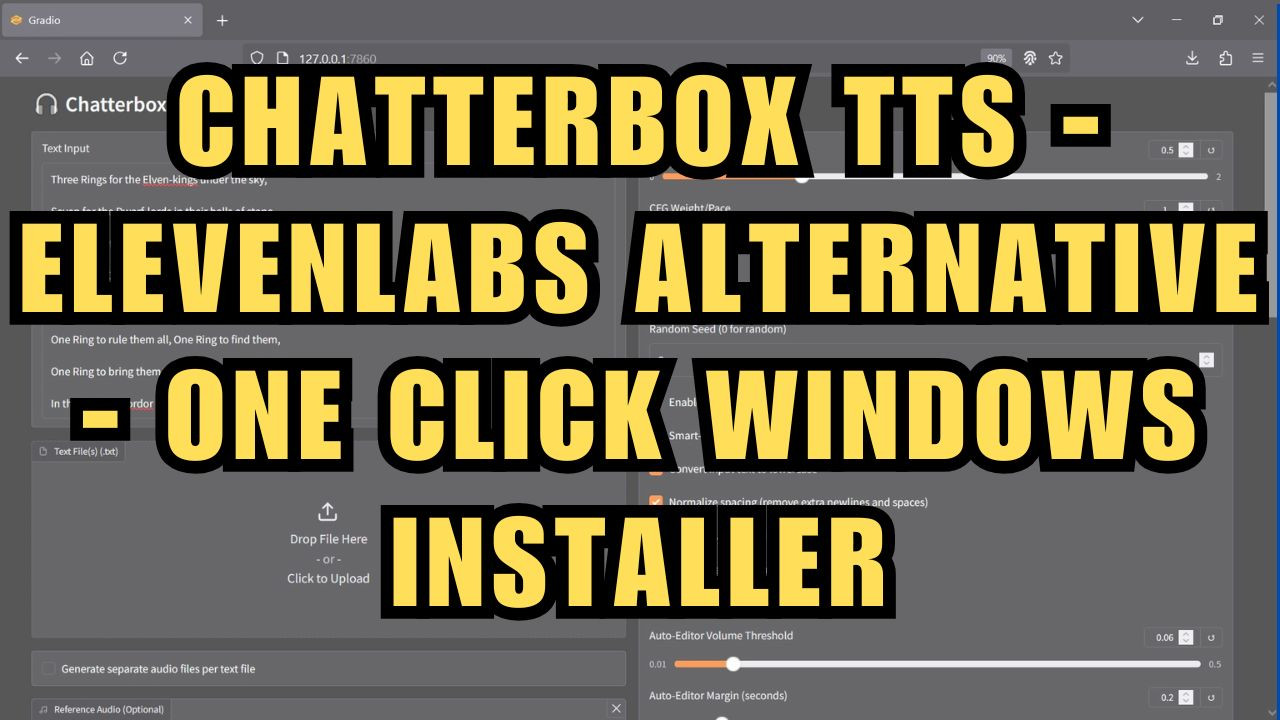
ChatterBox TTS - Elevenlabs Alternative - One Click Windows Installer
$4.00
✓ In Stock⭐ Get all 84+ installers for $10/month
Local Lab Pro gives you instant access to all 84+ installers and workflows we've ever made — plus every new release the moment it drops. No buying individually. One membership, everything included.
View Local Lab Pro membership →Secure checkout via Wix — or get all 84+ with Pro
// About this product
Chatterbox is a cutting-edge open source text-to-speech (TTS) solution, delivering state-of-the-art (SOTA) performance and compatibility on par with ElevenLabs TTS. Join for exclusive access to a one-click installer that downloads and installs everything you need to get started quickly—plus, enjoy an enhanced UI version that unlocks even more model compatibility options.
Introducing Chatterbox-TTS-Extended
Chatterbox-TTS-Extended is a highly advanced, power-user interface for both batch and single TTS generation. It extends Chatterbox-TTS with robust support for multi-file input, candidate selection, artifact reduction, audio validation, auto-processing, parallelism, and workflow automation. Every script option is exposed, making this one of the most customizable TTS pipelines available.
Original GitHub Repository:
https://github.com/petermg/Chatterbox-TTS-Extended
Requirements
-
Nvidia GPU
-
FFMPEG
-
Windows machine
-
15 GB of storage space
Installation Instructions
-
Download the batch file below and place it in a dedicated folder.
-
Install FFmpeg if not already installed - https://www.ffmpeg.org/download.html or https://www.gyan.dev/ffmpeg/builds - Reboot if necessary.
-
Run the batch file to start installation.
-
Launch the project by running start.bat.
Need Help or Have Questions?
Join my Discord community for support:
Discord - https://discord.gg/5hmB4N4JFc