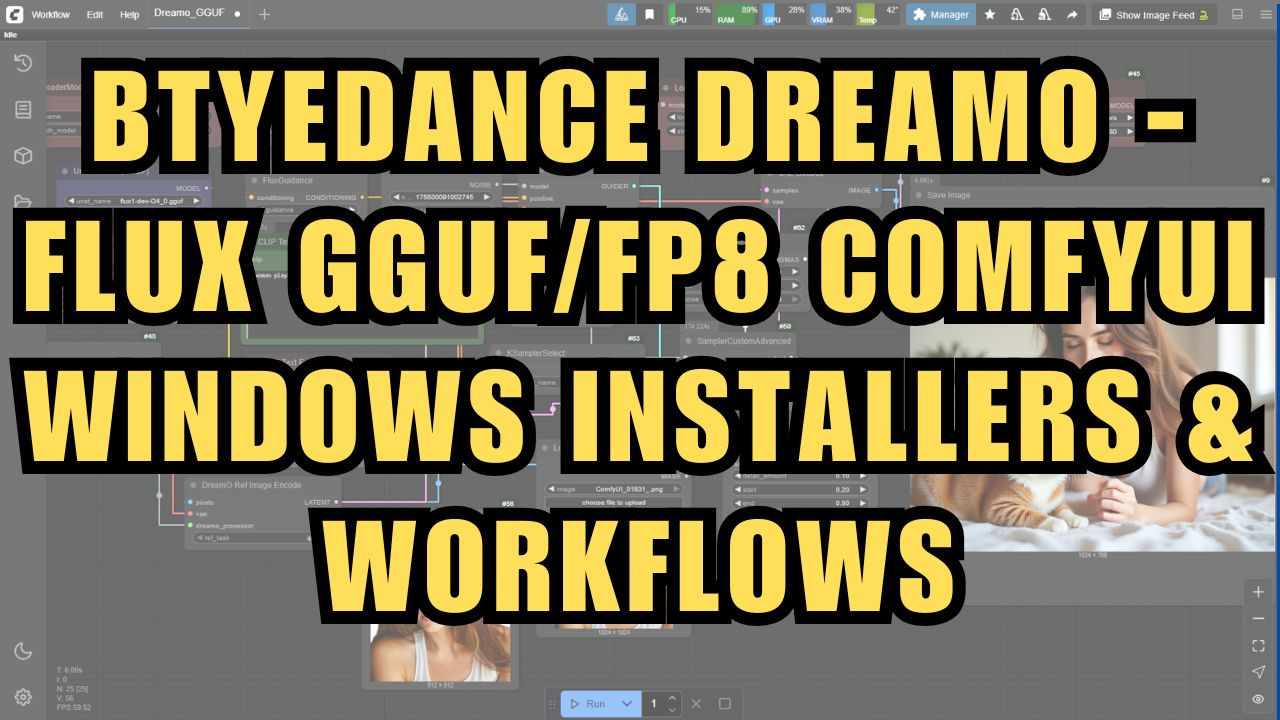
Btyedance DreamO Image Generator - FLUX GGUF/FP8 ComfyUI Windows Installer
$4.00
✓ In Stock⭐ Get all 84+ installers for $10/month
Local Lab Pro gives you instant access to all 84+ installers and workflows we've ever made — plus every new release the moment it drops. No buying individually. One membership, everything included.
View Local Lab Pro membership →Secure checkout via Wix — or get all 84+ with Pro
// About this product
DreamO Image LoRAs ComyUI Workflow & Installer! DreamO is an advanced AI image generator from ByteDance that lets you create custom images by mixing and matching faces, objects, clothing styles, backgrounds, and more—all through simple instructions or example images.
Imagine a super-smart art tool: you can ask it to “combine this person’s face with that outfit in a beach background,” and DreamO will generate a realistic image that matches your request.
What sets DreamO apart is its unified approach: it handles multiple tasks like style changes, face swapping, and virtual try-on in a single system—no need for separate tools for each job. This means you can experiment with identity preservation, IP adaptation, style transfer, and clothing try-ons all at once.
This release includes:
-
A portable ComfyUI Windows installer, pre-configured for DreamO
-
All required custom nodes for the workflow, which are automatically downloaded and installed
-
Automatic download of necessary models, including the 4_0 GGUF model (you can upgrade to a higher quantization if needed)
Getting started is simple: launch ComfyUI and upload the included workflow. The workflow will handle model downloads and setup for you. If you have a GPU with lower VRAM, DreamO supports optimizations like GGUF quantization and CPU offloading to make advanced image generation accessible on consumer hardware.
Need help or want to share your results? Join our Discord for support and community feedback: https://discord.gg/5hmB4N4JFc