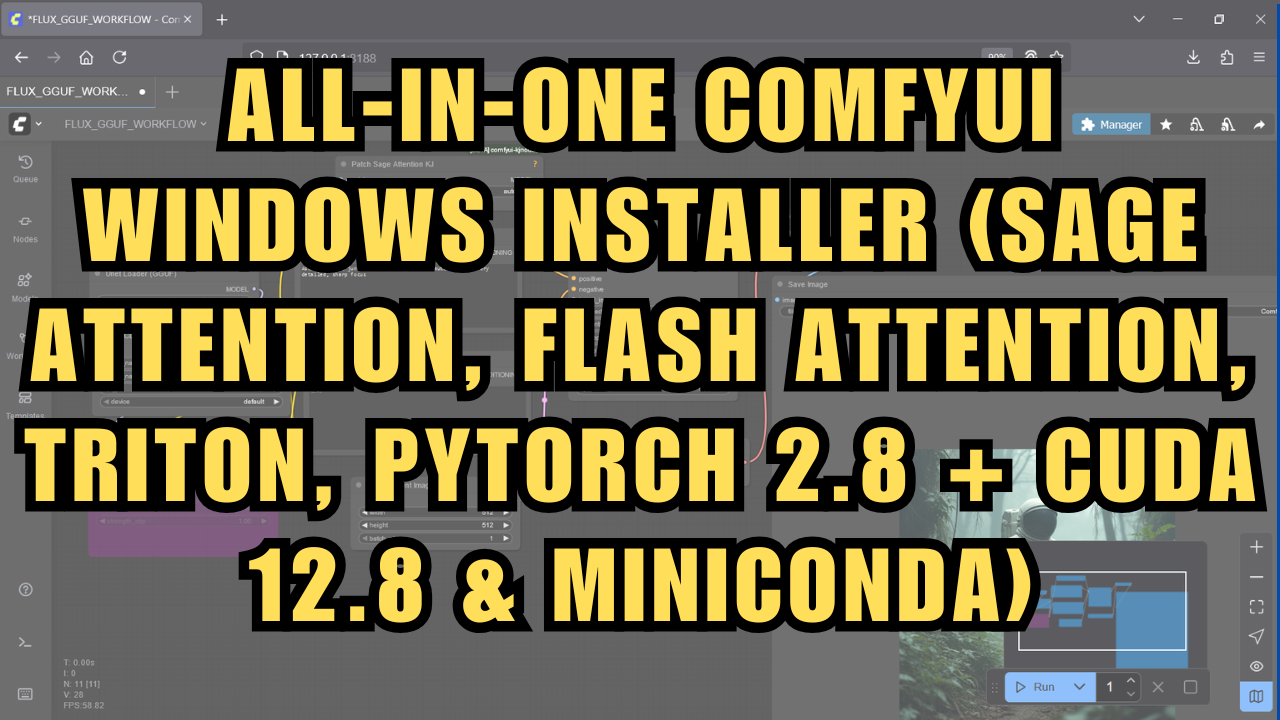
All‑In‑One ComfyUI Windows Installer (Sage and Flash Attention, Triton, Pytorch)
$3.00
✓ In Stock⭐ Get all 81+ installers for $10/month
Local Lab Pro gives you instant access to all 81+ installers and workflows we've ever made — plus every new release the moment it drops. No buying individually. One membership, everything included.
View Local Lab Pro membership →Secure checkout via Wix — or get all 81+ with Pro
// About this product
Easily install ComfyUI in an isolated Miniconda Python environment, preconfigured with Sage Attention, Flash Attention, Triton, PyTorch 2.8, and CUDA 12.8. No manual setup or headaches, just click and go.
ComfyUI One‑Click Installer
This installer sets up a complete ComfyUI environment with everything preloaded, so you can start creating immediately.
✅ Includes ComfyUI Manager – easily install, update, and manage custom nodes right from inside ComfyUI.
✅ Comes pre‑configured with:
-
Flash Attention
-
Sage Attention
-
Triton (Windows build)
-
PyTorch 2.8.0 + CUDA 12.8
✅ Creates handy start and update shortcuts for you, so keeping ComfyUI up to date is just one click.
👉 What you get: a plug‑and‑play ComfyUI setup ready to run on Windows without dealing with Python environments or dependency conflicts.
Bare Miniconda One‑Click Installer
This installer creates a clean, isolated Miniconda environment that’s preloaded with the essentials:
✅ Torch (PyTorch 2.8.0 + CUDA 12.8)
✅ Flash Attention
✅ Sage Attention
✅ Triton (Windows build)
The idea here is flexibility. This installer is great if:
-
You want a ready‑to‑use ML environment for your own projects.
-
You need the latest attention optimizations (Flash + Sage).
-
You want all your dependencies automatically isolated, so they don’t interfere with other projects.
👉 What you get: a clean foundation environment you can drop into any project, with all the heavy lifting handled.
💻 System & Software Requirements
To run either installer and projects successfully, make sure your Windows device meets the following:
Hardware:
-
GPU: NVIDIA GPU with at least 4GB VRAM recommended (example: RTX 3060 or higher) for best performance. Your GPU must be CUDA-capable to leverage Flash and Sage Attention optimizations.
-
RAM: Minimum 8GB system memory, ideally 16GB or more for complex tasks.
-
Storage: At least 15-40GB free disk space, preferably on an SSD for faster loading and operation.
Software:
-
Operating System: Windows 10 or later.
-
Git: Required for cloning repositories; installed automatically by the scripts if missing.
-
NVIDIA CUDA Toolkit: For NVIDIA GPU users, install the NVIDIA CUDA Toolkit and the latest compatible NVIDIA drivers to enable GPU acceleration. The toolkit provides essential development libraries and drivers needed for Flash and Sage Attention to work correctly.
💡 Why This Matters
Instead of spending hours troubleshooting installs, you can just focus on building and creating.
⚡ These are Windows‑only right now. Just download, run the .bat, and you’re good to go.
I’ll continue refining these to keep them updated with the latest dependencies. If you run into any issues, drop me a message and I’ll help out!
Support and More Information
-
Community Support: For troubleshooting or to connect with other users, join the Discord server.