AI-Toolkit - LoRA Trainer - One Click Windows Installer
$4.00
✓ In Stock⭐ Get all 84+ installers for $10/month
Local Lab Pro gives you instant access to all 84+ installers and workflows we've ever made — plus every new release the moment it drops. No buying individually. One membership, everything included.
View Local Lab Pro membership →Secure checkout via Wix — or get all 84+ with Pro
// About this product
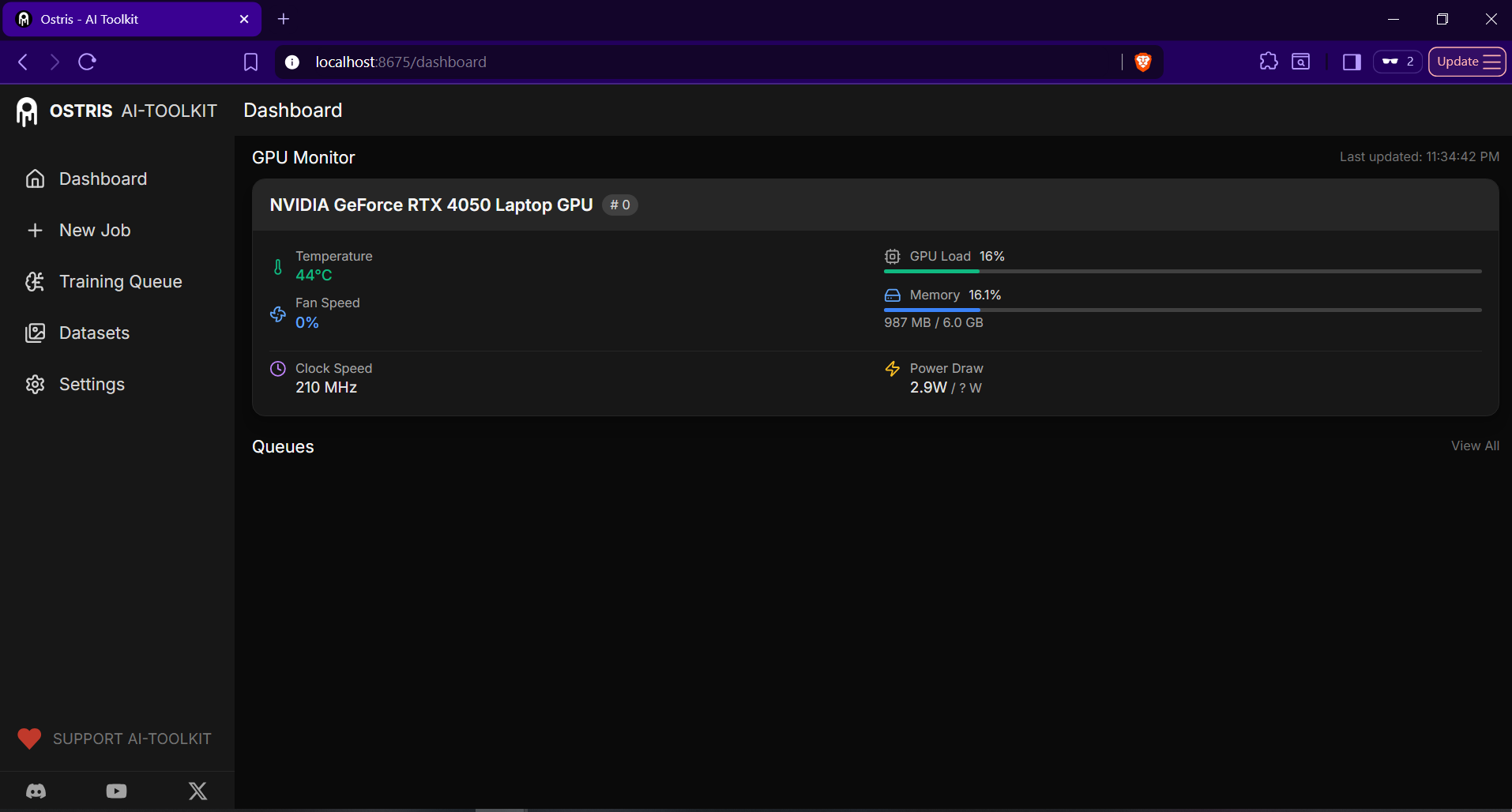
AI-Toolkit provides a powerful graphical user interface for training and fine-tuning generative models — specifically using LoRA (Low-Rank Adaptation) techniques. Whether you're customizing Stable Diffusion, creating consistent characters, or experimenting with advanced text-to-video models, AI-Toolkit makes the workflow approachable even for beginners.
My one-click installer sets up everything automatically on Windows — no manual dependency nightmares or command line typing required. It installs and configures Python 3.10, Node.js v18, PyTorch 2.7 with CUDA 12.6, Triton for Windows, and Miniconda in an isolated environment. Everything is sandboxed neatly so it won't interfere with your global Python or Conda setup.
Tavris1 Easy Install (free alternative): GitHub
Ostris AI-Toolkit main repository: GitHub
LoRA Training — Supported Models
- Stable Diffusion 1.5, 2.1, and XL
- WAN 2.2 (Text-to-video model)
- Z Image Turbo (high-speed image generation)
- Flux Series — Flux.1 Dev, Flux.1 Schnell, Flux.1 Kontext
- Qwen Models — Qwen Original and Qwen Edit
- Chroma (image and video hybrid generation model)
- HiDream (stylized AI image generation engine)
- Kohya-ss compatible LoRA models
System Requirements and GPU Compatibility
- CPU: 6-core processor (Ryzen 5 / Intel i5 equivalent or better)
- RAM: 16 GB system memory (32 GB recommended for larger models)
- Storage: At least 50 GB free space (SSD strongly recommended)
- OS: Windows 10 or 11 (64-bit)
- NVIDIA GPUs fully supported, best results with 8 GB VRAM or more (RTX 3060, 4070, 4080, or 4090)
- CUDA 12.6 support ensures compatibility with Ampere and Ada Lovelace architectures
Video Guides
- WAN 2.2 LoRA training: https://youtu.be/HlXmji1O_bI
- Z-Image Turbo LoRA training: https://youtu.be/uHqOdGsR9cw