Trellis 2 — Microsoft SOTA 3D Asset Generation
Microsoft's Trellis 2 is a state-of-the-art 3D asset generator — sharper object contours, more consistent texture mapping and better generalization than the original Trellis. Runs locally in ComfyUI.
✓ 100% free — download the workflow and run it locally.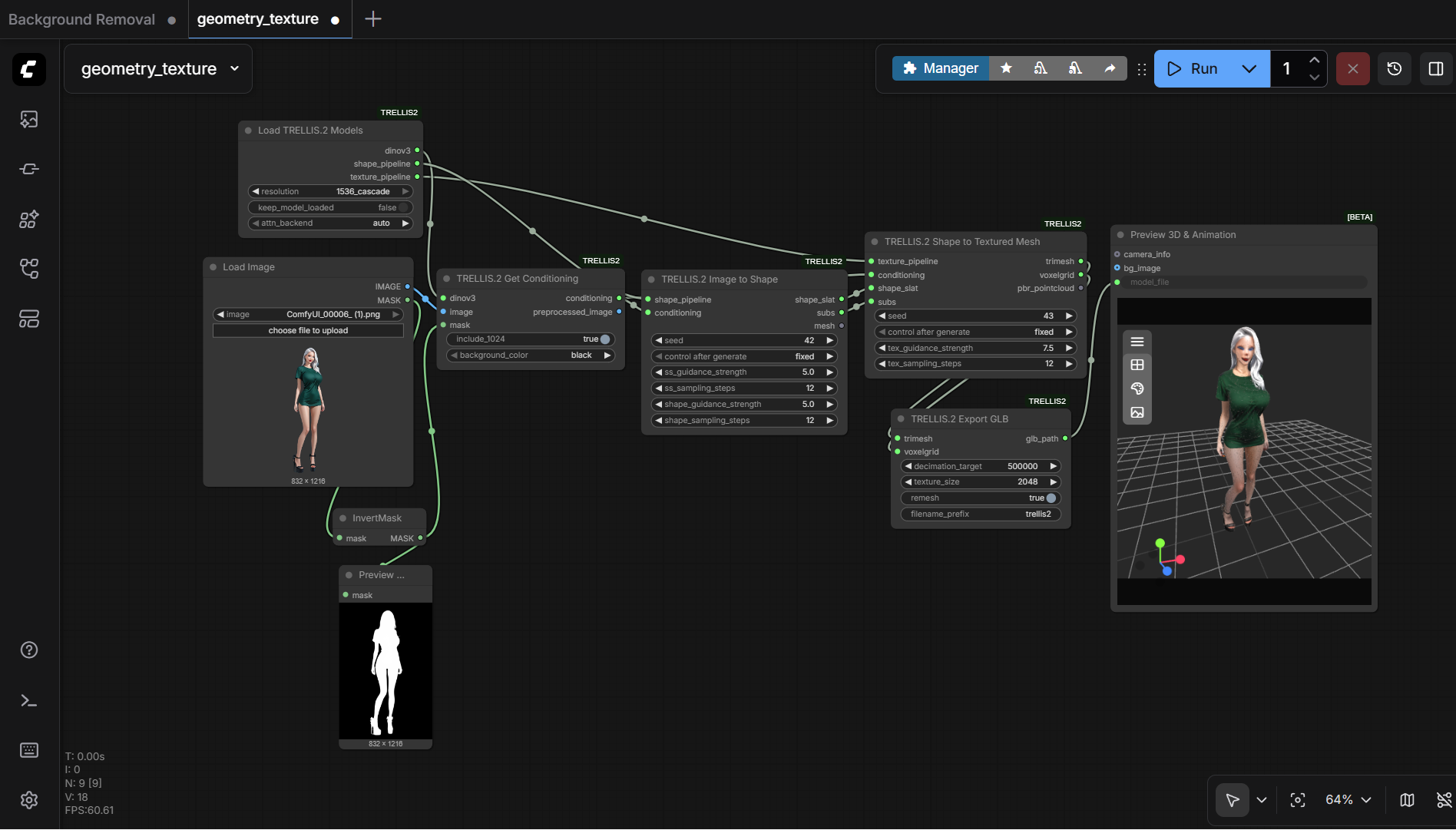
Requirements
- GPU: NVIDIA RTX 30XX/40XX/50XX (FP16)
- VRAM: 16 GB minimum, 24 GB+ recommended
- OS: Windows 10/11
- Storage: 40 GB+ free
Model downloads
- Trellis 2 weights auto-download via the node (~10–12 GB) https://github.com/PozzettiAndrea/ComfyUI-TRELLIS2/tree/main/workflows
Custom nodes
- ComfyUI-TRELLIS2 https://github.com/PozzettiAndrea/ComfyUI-TRELLIS2
- Flash Attention Windows wheels https://github.com/kingbri1/flash-attention/releases/tag/v2.8.3
Setup steps
- Install ComfyUI-TRELLIS2 and its requirements (plus a Flash Attention wheel).
- Load one of the example workflows from the node repo.
- Feed an input image and run — the weights auto-download on first use.
Notes & tips
- ~10–12 GB of weights; under 2 min on an RTX 4090.
- The node is a work in progress and may occasionally error or run out of memory even on a 4090.
- RunPod template: https://get.runpod.io/Trellis2-3D-ComfyUI
Want the 1-click version?
Skip the manual model downloads and node installs — get a ready-to-run installer, or unlock all 75+ with Local Lab Pro.