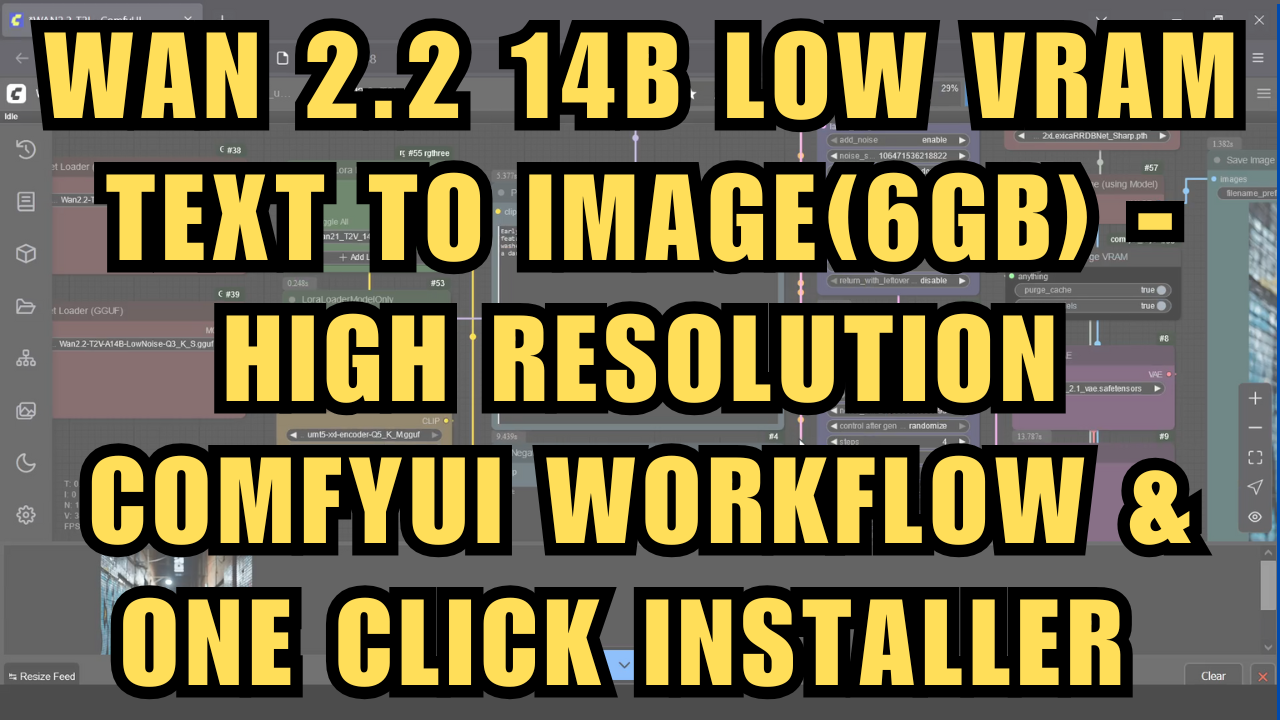
WAN 2.2 14B Low VRAM Text To Image(6GB) - ComfyUI Workflow - One Click Installer
$4.00
✓ In Stock⭐ Get all 84+ installers for $10/month
Local Lab Pro gives you instant access to all 84+ installers and workflows we've ever made — plus every new release the moment it drops. No buying individually. One membership, everything included.
View Local Lab Pro membership →Secure checkout via Wix — or get all 84+ with Pro
// About this product
Generate high resolution images with the new WAN 2.2 14B GGUF Video Models locally in ComfyUI.
WAN 2.2 ushers in a significant leap for text-to-image (and text-to-video) generation, offering sharper, high-detail rendering, improved aesthetic fidelity, and robust style consistency—even on lower VRAM GPUs. With advanced Mixture of Experts (MoE) architecture, GGUF quantization, and optimized model pipelines, WAN 2.2 enables cinematic-quality images and videos with fewer artifacts and better semantic alignment than previous versions. Notably, it supports both text-to-image and text-to-video in a single workflow, allowing seamless creative iteration and fast, high-res output. This update makes it easier than ever to generate professional-grade visuals at home—no expensive hardware required147.
I've developed a one-click installer and a custom workflow that lets you run WAN 2.2 quantized GGUF models for fast image generation on lower VRAM devices. The installer automatically installs the Wan2.2 T2V A14B Low Noise Q3_K_S GGUF models but if you have more compute, you can download a higher quant for better quality.
Preloaded Models within the Installer (Low VRAM)
-
umt5-xxl-encoder-Q5_K_M.gguf (ComfyUI\models\clip) - https://huggingface.co/city96/umt5-xxl-encoder-gguf/tree/main
-
wan_2.1_vae.safetensors (ComfyUI\models\vae) - https://huggingface.co/Kijai/WanVideo_comfy/tree/main
-
Wan2.2-T2V-A14B-LowNoise-Q3_K_S.gguf (ComfyUI\models\unet) - https://huggingface.co/QuantStack/Wan2.2-T2V-A14B-GGUF/tree/main/LowNoise
-
2xLexicaRRDBNet_Sharp.pth Upscale model (ComfyUI\models\upscale_models) - https://huggingface.co/Thelocallab/2xLexicaRRDBNet_Sharp/blob/main/2xLexicaRRDBNet_Sharp.pth
-
Wan21 T2V 14B lightx2v, Wan2.1 T2V 14B FusionX & WAN detailz-wan LoRA Models (ComfyUI\models\loras) - https://huggingface.co/Thelocallab/WAN-2.1-loras/tree/main
Speed: 960 x 960 resolution in under 3 minutes on RTX 4050 6GB VRAM; even faster on enterprise GPUs. Workflow comes with an automatic upscaler
System Requirements:
-
Nvidia RTX 30XX, 40XX, or 50XX series GPU (FP16 support required; GTX 10XX/20XX not tested)
-
CUDA-compatible GPU with at least 6 GB VRAM
-
Windows OS
-
At least 40 GB free storage
What’s Included:
-
Portable ComfyUI Windows Installer, pre-configured for WAN 2.2 text-to-image
-
Custom workflow supporting text-to-image generation
-
Automatic downloads for all required nodes and models
Usage Notes:
Type in your detailed text prompt describing the image you want. Use an LLM to enhance your prompt for best results.
Support and More Information
-
Community Support: For troubleshooting or to connect with other users, join the Discord server.