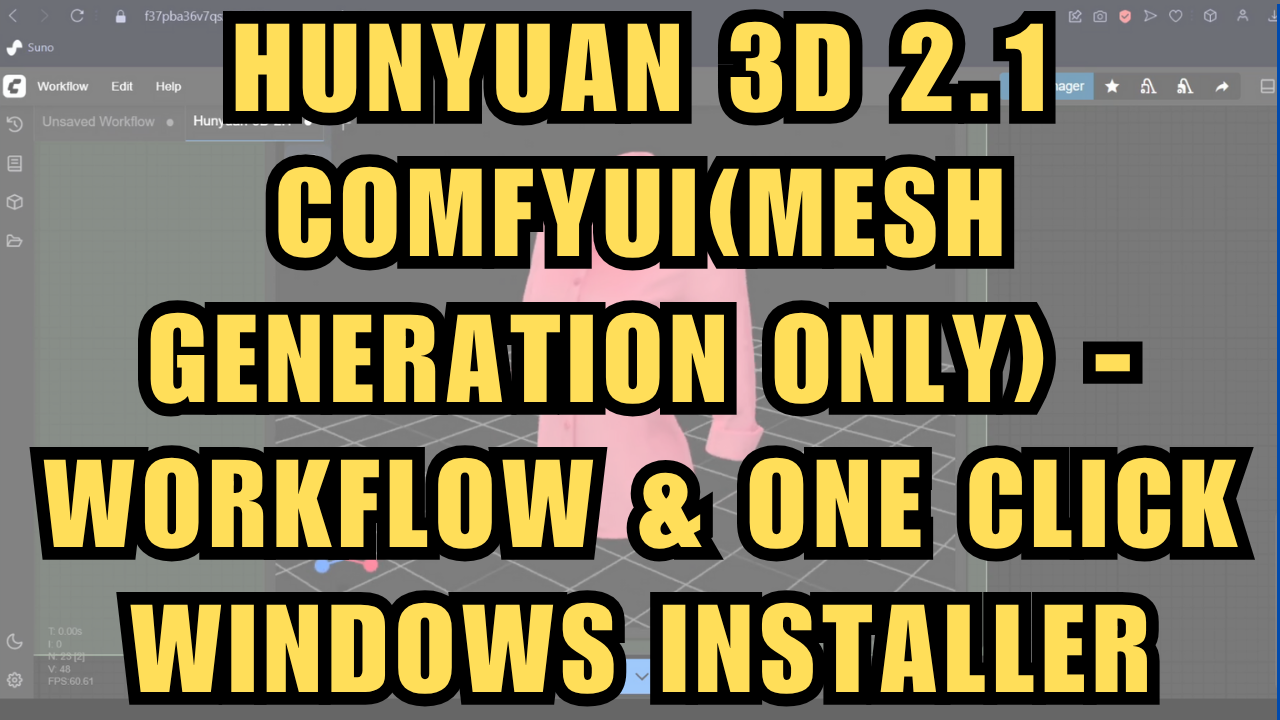
Hunyuan 3D 2.1 ComfyUI(Mesh Generation Only) - Workflow & One Click Installer
$3.00
✓ In Stock⭐ Get all 81+ installers for $10/month
Local Lab Pro gives you instant access to all 81+ installers and workflows we've ever made — plus every new release the moment it drops. No buying individually. One membership, everything included.
View Local Lab Pro membership →Secure checkout via Wix — or get all 81+ with Pro
// About this product
Create high-resolution 3D mesh assets in ComfyUI with Hunyuan 3D 2.1, a major upgrade from version 2.0. The new model delivers significantly improved asset quality, featuring smoother mesh surfaces, more captured detail from the input image, and more accurate, higher-quality texturing compared to the previous release. The model files are larger than before, but I was able to generate complete assets on my 16 GB RAM / 6 GB VRAM RTX 4050 laptop in under 20 minutes.
I was unable to test the new Paint model for texturing locally due to its high VRAM requirements (20 GB+) and some installation issues related to missing headers in the ComfyUI Python embedded package. If you have the required compute resources and technical expertise, you can follow the setup instructions in the ComfyUI Hunyuan3D-2.1 custom node repository to enable the texturing section of the workflow.
Repository:
https://github.com/visualbruno/ComfyUI-Hunyuan3d-2-1
Although I managed to generate mesh assets with only 6 GB VRAM, I recommend 10 GB or more for mesh generation and 20 GB or more for texturing. For users needing more compute power, I’ve created a Runpod template that includes texturing—this will download and install everything needed to run the workflow easily and at faster speeds.
Runpod Template:
https://get.runpod.io/Hunyuan-3D-2-1-ComyUI
Model Details
-
Hunyuan3D-Shape-v2-1 Model Size: ~ 3.3B billion parameters
-
Hunyuan3D-Paint-v2-1 Model Size: ~ 2B billion parameters
-
Speed: Under 1 minute on RTX 4090; even faster on enterprise GPUs
System Requirements
-
Nvidia RTX 30XX, 40XX, or 50XX series GPU (FP16 support required; GTX 10XX/20XX not tested)
-
CUDA-compatible GPU with at least 6 GB VRAM (10 GB or more recommended)
-
Windows OS
-
At least 40 GB free storage
What’s Included
-
Portable ComfyUI Windows Installer: Pre-configured for Hunyuan 3D 2.1
-
Custom Workflow: Supports image-to-3D generation
-
Automatic Downloads: All required nodes and models install automatically
Preloaded Models
-
hunyuan3d-dit-v2-1.fp16.ckpt (ComfyUI\models\diffusion_models)
Hugging Face link -
hunyuan3d-vae-v2-1.ckpt (ComfyUI\models\vae)
Hugging Face link
Usage Notes
Just upload a clear image of the object you want to turn into a 3D asset—ideally with a white or black background—and run the workflow.
Support and More Information
-
Project GitHub: For technical details, updates, and documentation, visit the project’s GitHub repository.
-
Community Support: For troubleshooting or to connect with other users, join the Discord server.