Z-Image Turbo Character FaceSwap
Swap character faces with Z-Image Turbo + Meta's SAM 3 — low-VRAM image-to-image editing. Control results with three knobs: denoise level, CFG scale and LoRA strength.
✓ 100% free — download the workflow and run it locally.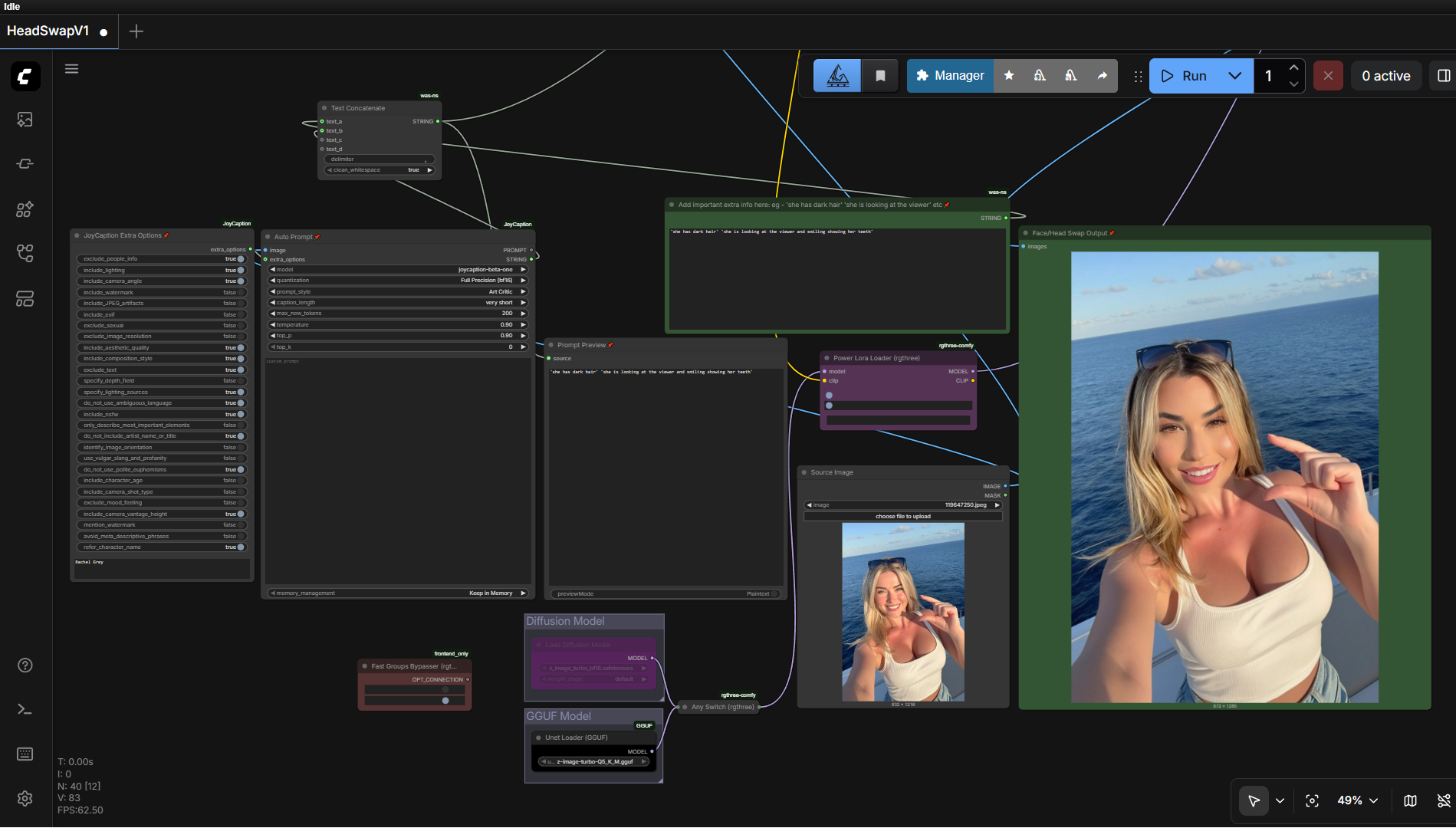
Requirements
- GPU: NVIDIA RTX 30XX/40XX/50XX (FP16)
- VRAM: 4 GB minimum, 8 GB+ recommended
- OS: Windows
- Storage: 40 GB+ free
- A character LoRA model
Model downloads
- z_image_turbo Q5_K_M GGUF https://huggingface.co/jayn7/Z-Image-Turbo-GGUF/tree/main
- Qwen3-4B UD Q5_K_XL GGUF (CLIP) https://huggingface.co/unsloth/Qwen3-4B-GGUF/tree/main
- z_image_turbo_vae.safetensors https://huggingface.co/Comfy-Org/z_image_turbo/tree/main/split_files/vae
- 2xLexicaRRDBNet_Sharp (upscaler) https://huggingface.co/Thelocallab/2xLexicaRRDBNet_Sharp/blob/main/2xLexicaRRDBNet_Sharp.pth
- sam3-fp16.safetensors https://huggingface.co/yolain/sam3-safetensors/tree/main
- Z-Image Turbo diffusion models https://huggingface.co/Comfy-Org/z_image/tree/main/split_files/diffusion_models
Custom nodes
- ComfyUI Manager https://github.com/ltdrdata/ComfyUI-Manager
Setup steps
- Load the workflow in ComfyUI and assign the checkpoints in the loader nodes.
- Upload your target image to the Load Image node.
- Add your prompt details and a character LoRA.
- Keep resolution at ~1024×1024 max, then run.
- Tune denoise, CFG scale and LoRA strength to balance likeness and realism.
Notes & tips
- Uses SAM 3 for masking the face region.
- Full ready-made workflow is a Patreon/Pro extra — grab the 1-click installer below for the complete graph.
Want the 1-click version?
Skip the manual model downloads and node installs — get a ready-to-run installer, or unlock all 75+ with Local Lab Pro.