Ideogram 4.0 Text-to-Image
Ideogram 4.0 brings stronger prompt adherence, cleaner typography and reliable photoreal + stylized output to ComfyUI — ideal for posters, logos, mockups and social graphics where readable text and precise composition matter. Free under the Ideogram Non-Commercial Model Agreement.
✓ 100% free — download the workflow and run it locally.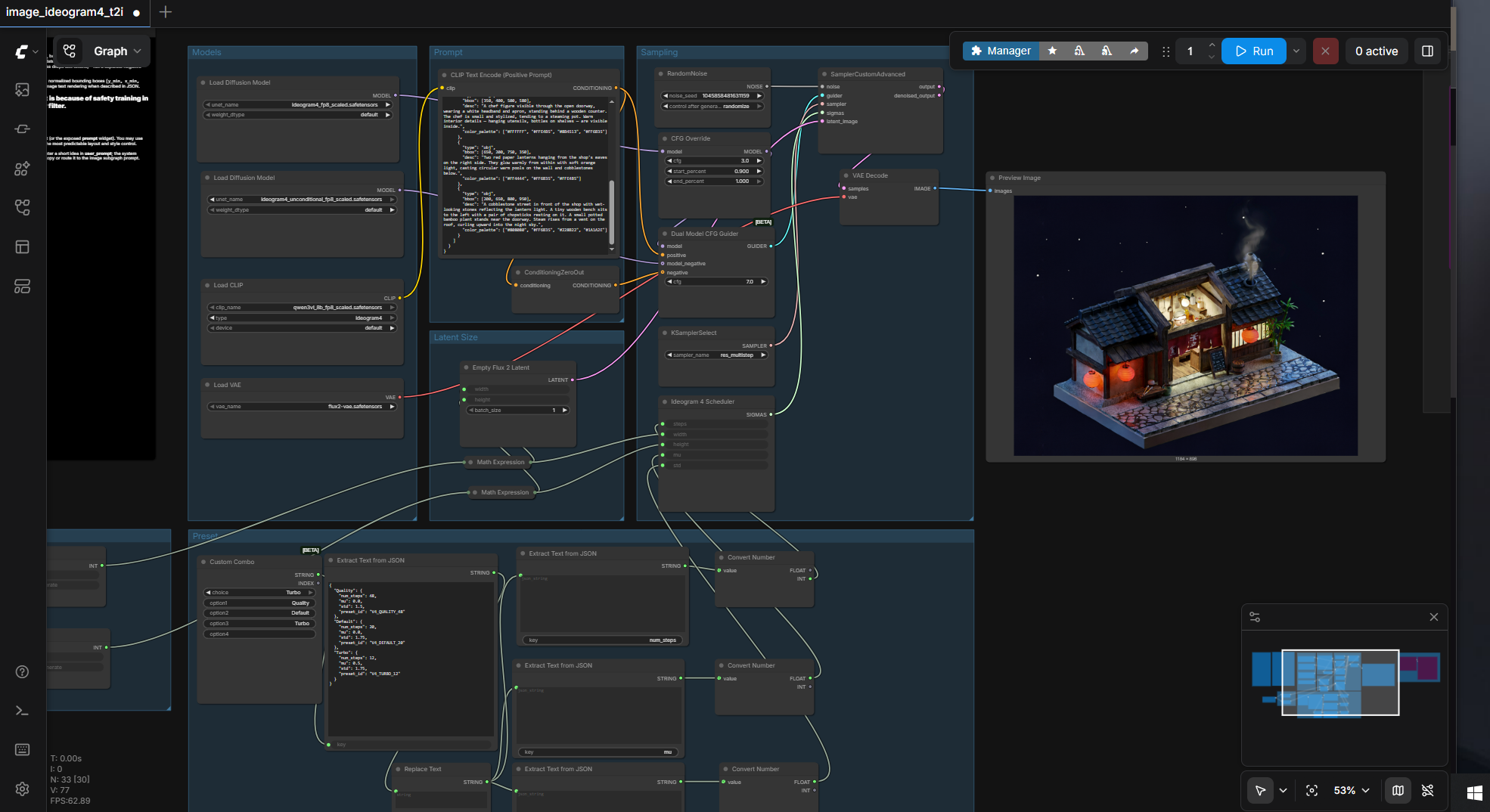
Requirements
- GPU: NVIDIA RTX 30XX/40XX/50XX (FP8 supported)
- VRAM: 8 GB minimum (tested on 16 GB)
- RAM: 32 GB (tested)
- OS: Windows
- Storage: 40 GB+ free
Model downloads
- ideogram4_fp8_scaled (diffusion) https://huggingface.co/Comfy-Org/Ideogram-4/tree/main/diffusion_models
- ideogram4_nvfp4_mixed (diffusion) https://huggingface.co/Comfy-Org/Ideogram-4/tree/main/diffusion_models
- qwen3vl_8b_fp8_scaled (text encoder) https://huggingface.co/Comfy-Org/Ideogram-4/tree/main/text_encoders
- flux2-vae.safetensors (VAE) https://huggingface.co/Comfy-Org/Ideogram-4/tree/main/vae
Custom nodes
- ComfyUI Manager https://github.com/ltdrdata/ComfyUI-Manager
Setup steps
- Download the model files into their ComfyUI folders (diffusion_models, text_encoders, vae).
- Install ComfyUI Manager and its requirements.
- Import the workflow below into ComfyUI.
- Set the step count (48 standard, or 12 for turbo mode) and generate from a text prompt.
Notes & tips
- 48-step render in under 5 min; 12-step turbo in under 90s.
- License details: https://huggingface.co/ideogram-ai/ideogram-4-fp8/blob/main/LICENSE.md
Want the 1-click version?
Skip the manual model downloads and node installs — get a ready-to-run installer, or unlock all 75+ with Local Lab Pro.